
Local POS Support and Showroom
Tampa Bay POS Support, Showroom Demos and Onsite Service
BizTracker helps Tampa Bay businesses choose, install and support POS software, cash registers, barcode scanners, receipt printers, label printers, scales, payment hardware, backup planning and store technology.
We are not just a website selling POS equipment. BizTracker has a local office and showroom with demo equipment, plus support options for businesses that need help onsite, remotely or in person.
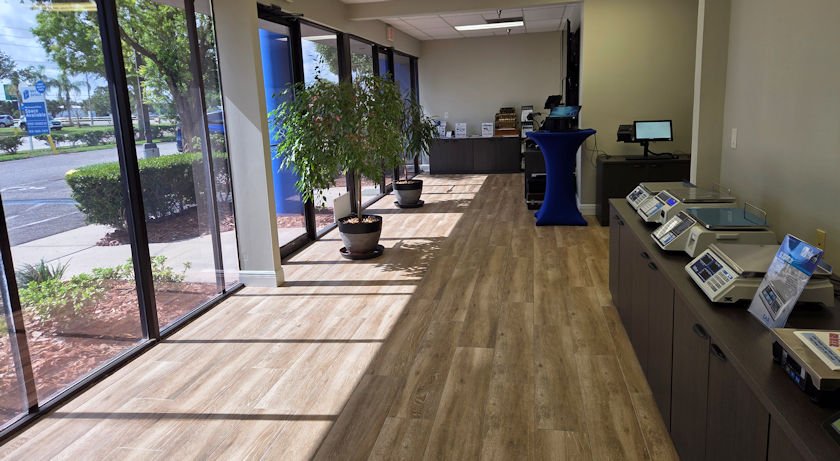
Quick answer: BizTracker provides local Tampa Bay POS help with showroom demos, onsite service, remote support, setup, training, cash registers, POS hardware and BizTracker Infinity POS support.
See POS equipment, software and support options before you decide
Choosing a POS system can be difficult when everything looks the same online. A local showroom gives business owners a better way to review software, hardware, cash registers, scanners, printers, labels, scales and support options before making a decision.
BizTracker can help you compare what your business needs now with what you may need later, including inventory tools, reporting, item files, barcode scanning, backup planning, employee training and local support.
Real Local Office, Showroom and Support Team
BizTracker gives Tampa Bay business owners a local place to review POS software, cash registers, scanners, printers, scales, support options and setup needs before choosing a system.
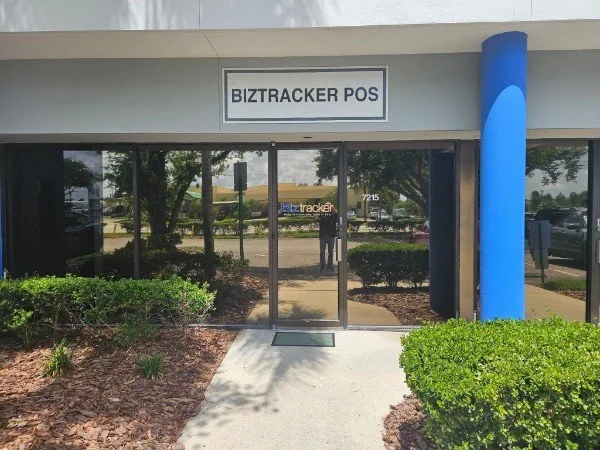
Local Office
BizTracker has a real Tampa Bay location for POS support, showroom visits, equipment review and business technology help.
Showroom Demos
Business owners can review POS software, cash registers, scanners, printers, scales and support options in person.
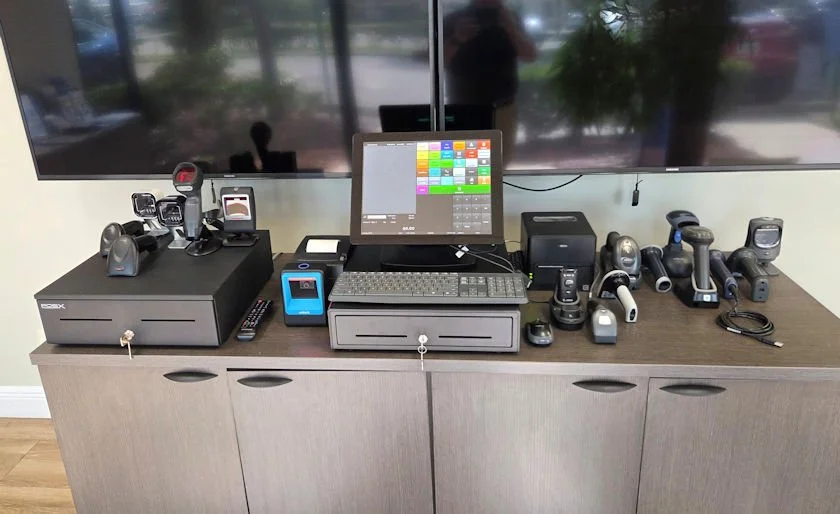
POS Equipment Review
Review hardware options such as terminals, cash drawers, barcode scanners, receipt printers, label printers and related store equipment.
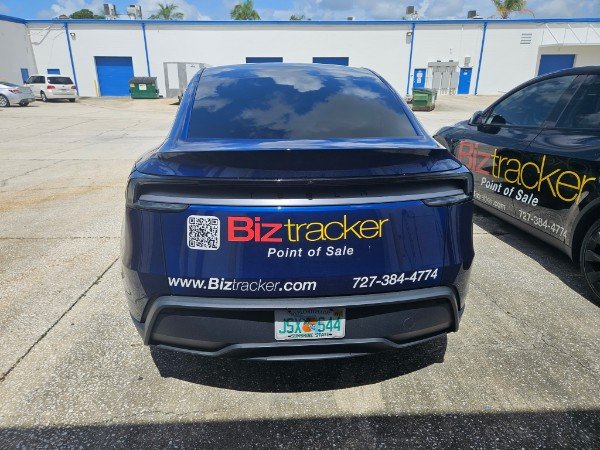
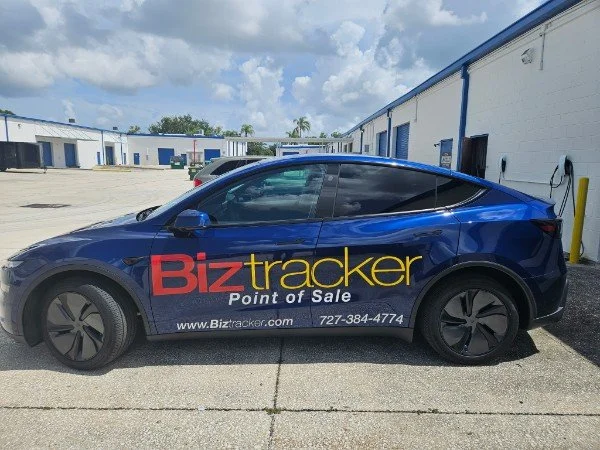
Local Service Vehicle
BizTracker can support Tampa Bay businesses with onsite POS service, setup, troubleshooting and hardware support depending on the project need.
Hardware and Support
BizTracker helps businesses plan POS hardware, setup, troubleshooting, backup planning and support procedures.
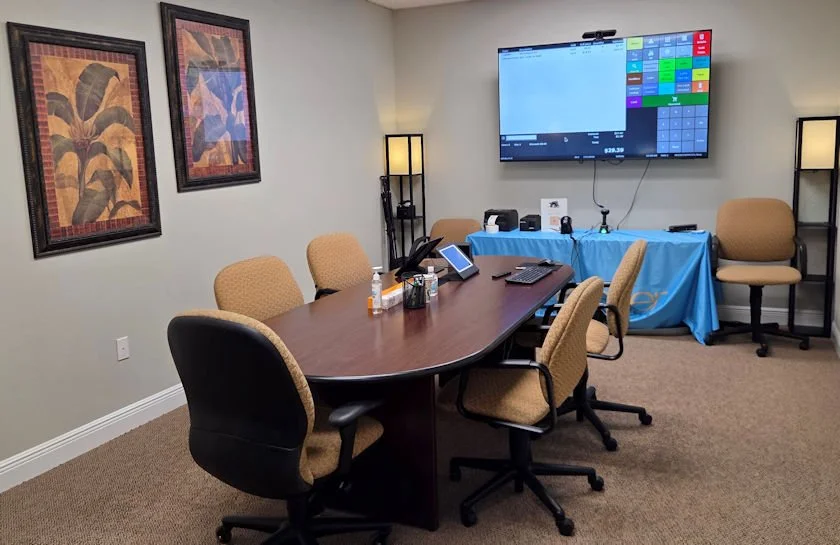
Planning and Training
Meet with BizTracker to discuss POS setup, employee training, inventory workflow, reporting, payment planning and support needs.
What you can review with BizTracker
BizTracker works with businesses that need practical POS help, not just a box shipped to the door. We can help review software, hardware, workflow, installation, training and support.
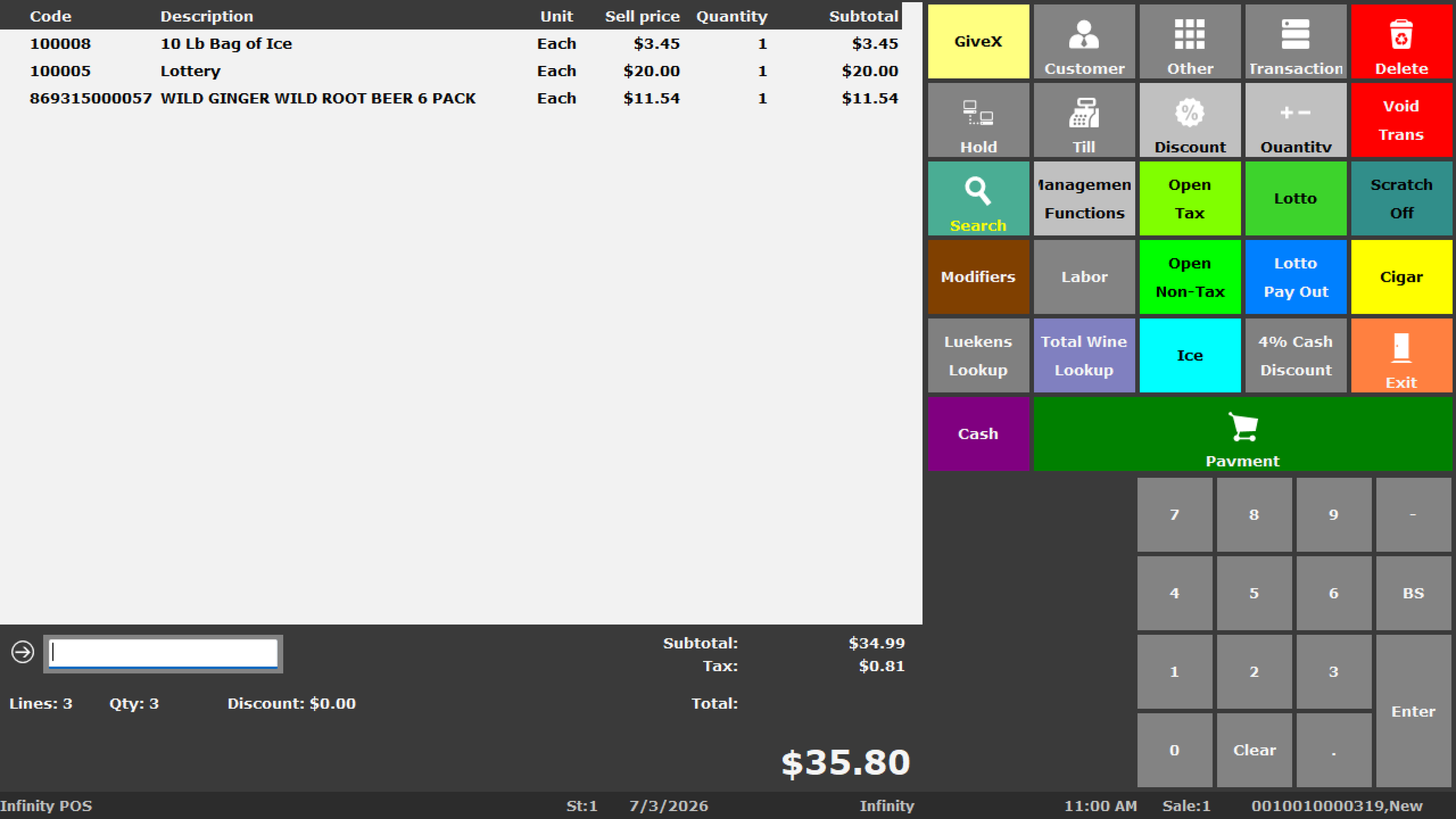
Infinity POS software
Review BizTracker Infinity POS options for checkout, item management, inventory, reporting, barcode scanning, label printing and back-office workflows.
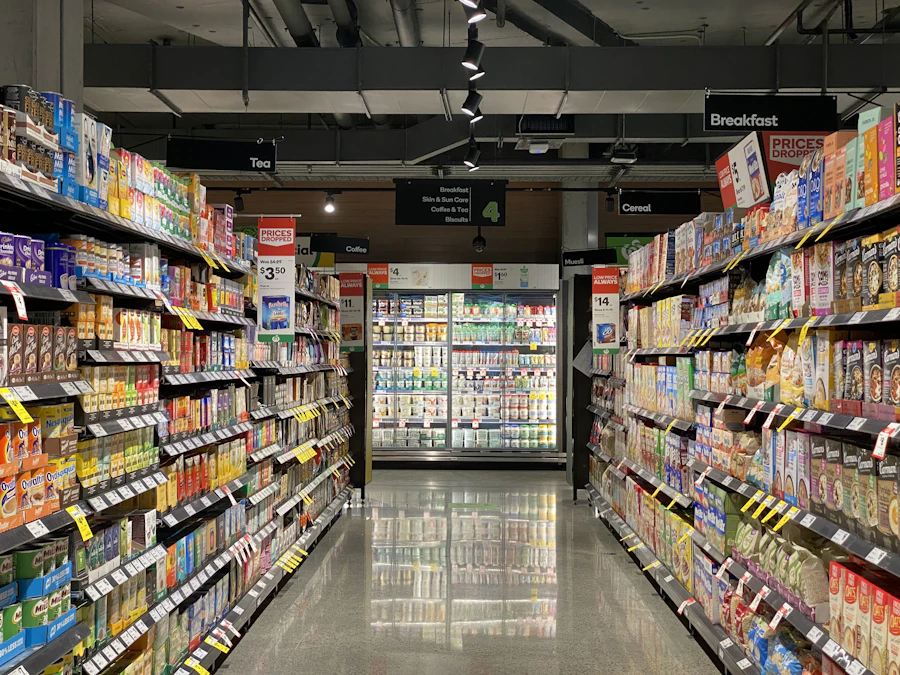
Retail and inventory workflows
Talk through item files, UPCs, SKUs, departments, inventory counts, purchase orders, price changes, labels and reporting needs.
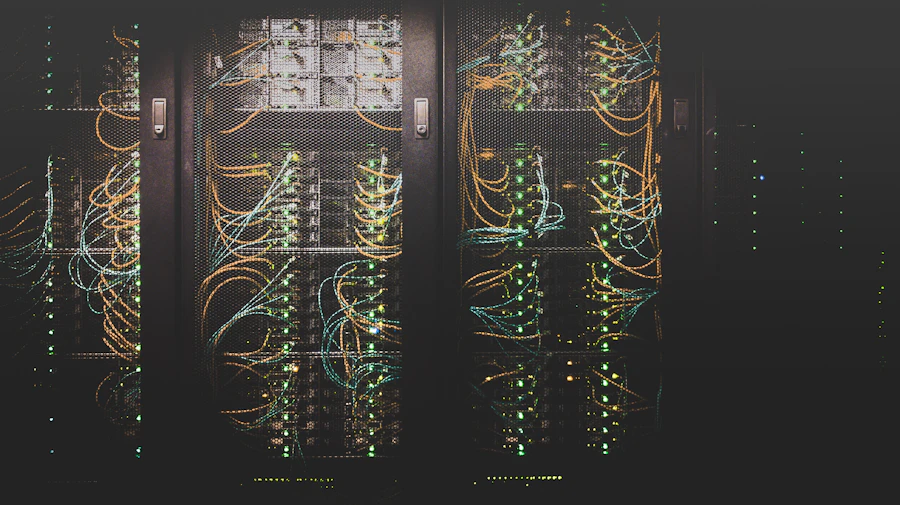
Network and backup planning
Review internet, routers, switches, Wi-Fi, backup internet, UPS backup power, data backup, payment outage planning and support procedures.
Local support matters when the POS system affects daily sales
POS problems are not always simple software problems. A slow checkout may involve the network. A payment issue may involve internet, a terminal, a processor or a setup problem. A printer issue may involve the printer, cable, network, paper, driver or POS station.
BizTracker is a local POS and software company
BizTracker is a software company that also sells and supports cash registers, POS hardware, scanners, printers, scales and store technology. Our role is to help businesses choose a system that fits the workflow, install it correctly, train employees and support the business after go-live.
POS systems and equipment we can help review
BizTracker can help Tampa Bay businesses review the software and hardware pieces that make up a complete POS environment.
POS software
Infinity POS, checkout workflow, item files, inventory, reporting, permissions, departments, pricing and back-office tools.
Cash registers
Traditional electronic cash registers, SAM4S options, programming, setup, training and upgrade paths to POS where appropriate.
POS terminals
Front-counter stations, back-office computers, touchscreen terminals and business-specific checkout hardware.
Barcode scanners
Barcode scanning for checkout, inventory, receiving, item lookup, label workflows and product management.
Receipt and label printers
Receipt printers, kitchen printers, shelf labels, barcode labels, price labels and label printing workflows.
Scales and store hardware
Scales, cash drawers, customer displays, printer supplies, cables, mounting, backup hardware and related store equipment.
Local POS help by business type
Different businesses need different POS systems. BizTracker can help review the software, hardware and support plan around your actual operation.
Retail stores
Retail POS software, barcode scanners, receipt printers, label printing, item files, inventory, reporting and local support.

Liquor stores
Fast checkout, barcode scanning, age-restricted item setup, case-break workflows, labels, inventory and reporting.

Grocery stores
Grocery POS planning for lanes, scanners, labels, scales, departments, inventory, receiving, stock counts and reporting.

Convenience stores
Fast checkout, age-restricted items, barcode scanning, cash control, receipt printing, payment workflow and backup planning.
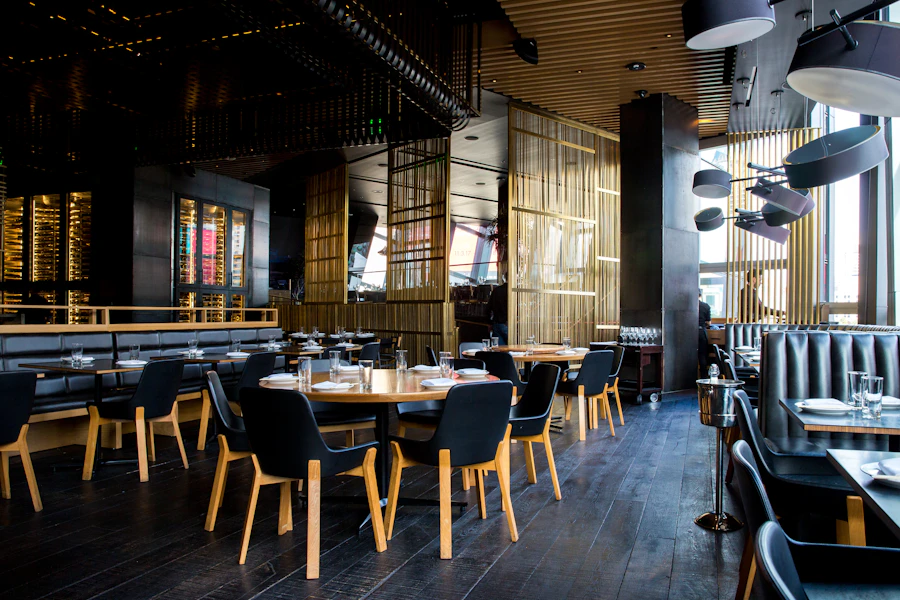
Restaurants and cafes
Restaurant POS planning for menu setup, modifiers, kitchen printers, bar printers, payments, employee training and support.
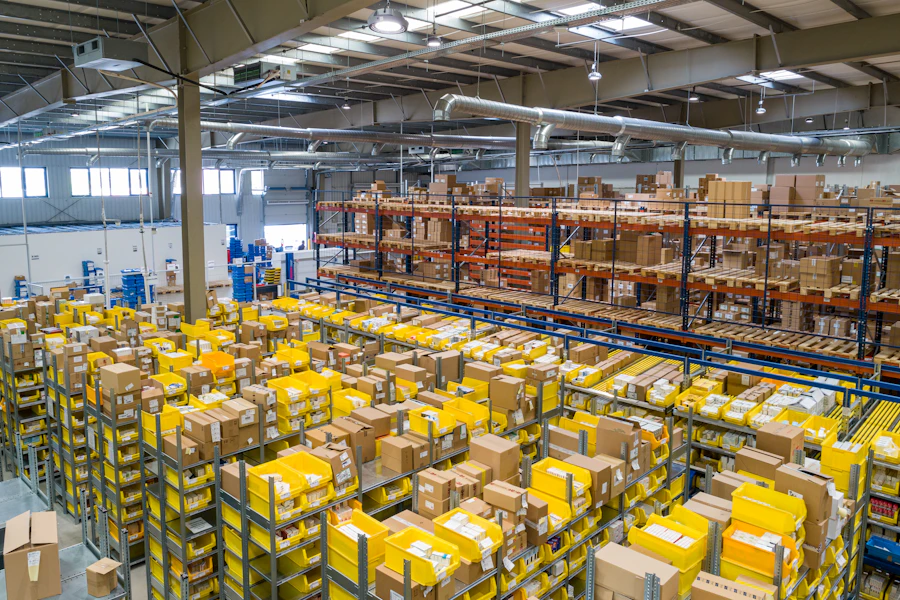
Multi-location businesses
Consistent item files, hardware standards, inventory processes, reporting visibility, user controls and support procedures.
How BizTracker helps from planning to support
A POS system should be planned around the business before it is installed. BizTracker can help you think through the system, hardware, users, data, payments and training before go-live.
Review your business workflow
We review checkout, payments, inventory, item files, reports, users, permissions, hardware, labels, cash handling and support needs.
Choose the right software and hardware
BizTracker helps match Infinity POS software, cash registers, scanners, printers, terminals, cash drawers, scales and backup equipment to the business.
Install, configure and test
POS setup should include testing for scanning, printing, payments, cash drawer operation, labels, reports, users and business-specific workflows.
Train employees and managers
Training can include checkout, returns, discounts, cash drawer procedures, payment issues, outage procedures, inventory tasks and reporting.
Support the business after go-live
BizTracker can help with questions, troubleshooting, hardware support, software support, changes, backup planning and process improvements.
Visit the showroom, schedule support or ask a question
BizTracker can help business owners review POS systems in the showroom, discuss onsite service, plan remote support or review a system replacement. Availability may vary by schedule, project scope and support need.
Showroom demos
Review software and hardware options before choosing a POS system or cash register setup.
Onsite service
Ask about local onsite support for POS installation, hardware, troubleshooting, setup and training.
Remote support
Many software, setup, training and support questions can be handled remotely depending on the issue.
Helpful related pages
Use these pages to learn more about BizTracker Infinity POS, Tampa Bay POS support, hardware planning, installation, backup planning and local service.
Frequently Asked Questions
Does BizTracker have a local showroom?
Yes. BizTracker has a local office and showroom where business owners can review POS software, cash registers, hardware options and support needs.
Can I see POS hardware before buying?
BizTracker can help review hardware options such as POS terminals, scanners, receipt printers, label printers, cash drawers, scales and related store equipment. Availability may vary.
Does BizTracker provide onsite POS service?
Onsite service may be available depending on location, schedule, project scope and support need. BizTracker also provides remote support where appropriate.
Can BizTracker train employees?
Yes. BizTracker can help train employees and managers on checkout, payments, item lookup, inventory workflows, hardware basics, reporting and support procedures.
Does BizTracker only sell cash registers?
No. BizTracker is a POS software and support company that also sells and supports cash registers, scanners, printers, scales, POS hardware and related store technology.
Can BizTracker help replace an old POS system?
Yes. BizTracker can help review your current system, plan a replacement, prepare item files, match hardware, train employees and support the transition.
Do I need an appointment?
Contact BizTracker before visiting so we can confirm availability, showroom timing and the best person to help with your POS software, hardware or support questions.
Talk to a local POS team before choosing your system
BizTracker helps Tampa Bay businesses with showroom demos, Infinity POS software, POS hardware, cash registers, barcode scanners, receipt printers, label printers, scales, installation, training, onsite service, remote support and backup planning.