
POS Payment Outage Planning
What Happens If Card Payments Stop Working?
When card payments stop working, the problem may be the internet connection, payment processor, terminal, network equipment, POS integration, power, cabling or a configuration issue. Businesses need a plan before employees are standing at the counter with customers waiting.
BizTracker helps businesses review POS payment outage planning as part of a complete setup that includes Infinity POS software, compatible hardware, network review, backup internet, backup power, employee training and local support.
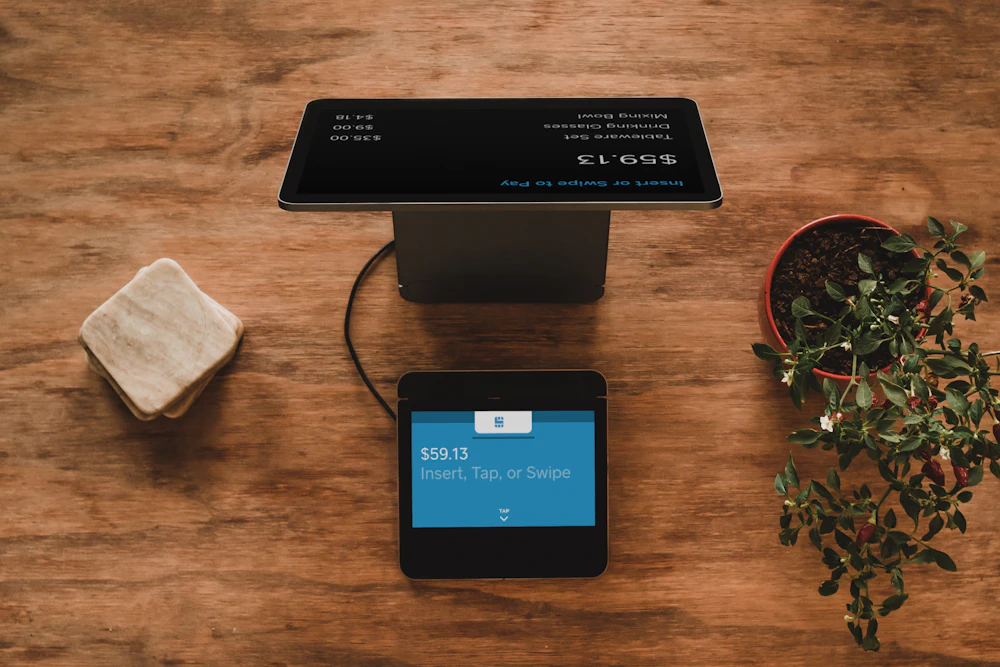
Quick answer: A POS payment outage plan explains what employees should check, who they should call, what payment options are approved, and how the business should continue operating when card payments are interrupted.
What is a POS payment outage?
A POS payment outage is any situation where the business cannot process card payments normally through the expected POS or payment terminal workflow. The issue may be temporary, local to one register, limited to one payment device, caused by the internet, or related to a broader processor or service problem.
The most important part is not only fixing the technical issue. Employees need to know what to do while the issue is happening.
Why payment outage planning matters
Card payment issues can immediately affect sales, customer lines, employee confidence and cash handling. A written plan helps managers respond faster and reduces guessing during a busy shift.
Checkout can stop quickly
If the store relies heavily on card payments, even a short outage can create long lines and lost sales opportunities.
Employees need clear rules
Staff should know whether to accept cash only, call a manager, move to another register, contact support or follow an approved payment fallback procedure.
Payment risk must be managed
Offline or fallback payment options may carry approval, fraud, processor and chargeback risk. The business should confirm allowed procedures before relying on them.
Payment fallback depends on your processor and setup
Not every payment system supports the same fallback options. Offline payment, store-and-forward, manual entry, card-not-present procedures, approval limits and risk rules depend on the payment processor, terminal, integration, merchant account, business policy and configuration. Always confirm approved payment procedures with your processor before using them.
Common causes of payment outages
Payment problems are not always caused by the POS software. The issue may be somewhere else in the payment path.
What should be in a payment outage plan?
A payment outage plan should be simple enough for employees to follow during a busy shift. It should explain what to check, when to involve a manager, who to contact and which payment options are approved.
Technical checklist
- Check whether one register or all registers are affected.
- Confirm internet connection status.
- Check modem, router, switch and Wi-Fi status.
- Confirm whether the payment terminal has power.
- Check terminal network connection.
- Try another register or terminal if available.
- Confirm whether backup internet is active.
- Contact POS or payment support when needed.
Operational checklist
- Tell employees who can approve payment decisions.
- Define when cash-only operation is allowed.
- Define any approved fallback payment procedure.
- Document what should never be written down or stored.
- Post manager and support contact information.
- Train staff on customer communication.
- Review settlement or batch steps after recovery.
- Document the outage after it is resolved.
Backup internet and payment continuity
Many payment outages are caused by internet or network issues. Backup internet can help, but it needs to be set up and tested before the outage happens.
Backup internet
A cellular or secondary internet connection may help keep payment devices online when the primary internet connection fails.
Network setup
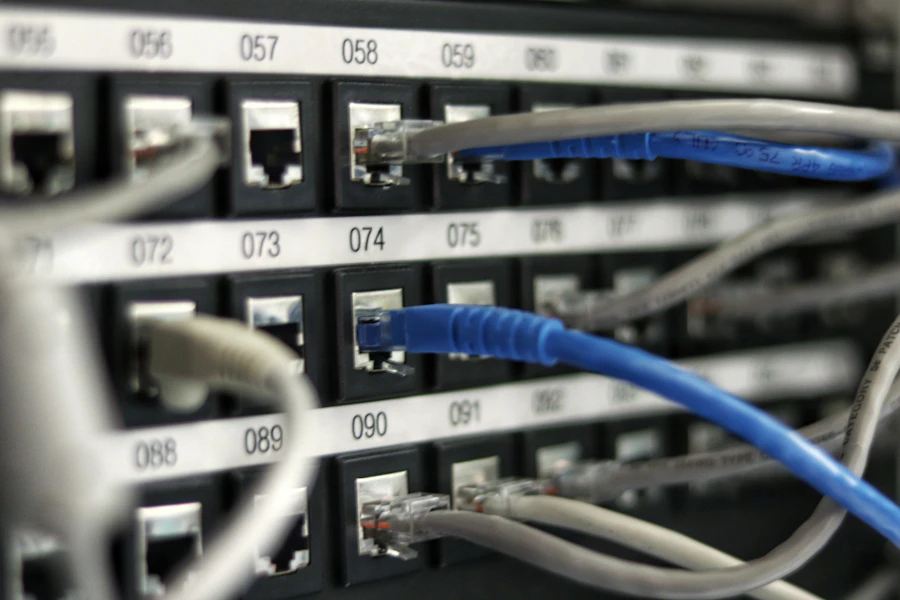
Payment devices should be reviewed as part of the POS network. Router, firewall, switch, Wi-Fi and cabling problems can all affect payment operation.

Backup power
A UPS can help keep the modem, router, switch, POS station and payment device running during short power flickers.
Example payment outage case studies
These common scenarios show why payment outage planning should include the POS system, network, internet, hardware, payment processor and employee procedures.
Card payments stop during a Saturday rush
A retail store has customers waiting in line when the card terminal stops processing. Employees are not sure whether the issue is the terminal, internet, processor or POS station.
Outage plan: Check whether the issue affects one register or all registers, confirm internet status, test backup internet if available, move customers to another working terminal if possible and follow the approved payment policy.
Payment terminal freezes during evening traffic
A liquor store depends on fast checkout, barcode scanning, age-restricted item prompts and card payments. When the payment terminal freezes, employees start guessing which device to restart.
Outage plan: Document the restart process, support contact, manager approval path and backup procedure. Keep the POS station, terminal and network equipment clearly labeled and easy to identify.
Internet outage during dinner service
A restaurant loses internet during dinner. The POS may still be used for ordering, but payment behavior depends on the payment setup, processor and terminal configuration.
Outage plan: Review backup internet, payment provider rules, employee instructions, manager approval and customer communication before the restaurant is full.
Multiple lanes lose payment connectivity
A grocery store has several checkout lanes. After a power flicker, multiple payment devices and network equipment restart, creating delays across the front end.
Outage plan: Protect network and payment equipment with UPS planning, document restart order, train managers and confirm which lanes should be tested first after power returns.
What employees should know during a payment outage
A payment outage plan should be part of employee training. The goal is to reduce panic, protect the business and keep customer communication professional.
Do not create risky payment workarounds
Businesses should not invent payment workarounds during an outage. Writing down card numbers, storing card data, bypassing approved payment tools or using unapproved procedures can create serious security, compliance, fraud and chargeback risk. Confirm allowed procedures with your processor and payment provider.
Payment outage planning by business type
Different businesses have different payment risks. A liquor store, grocery store, restaurant, convenience store and retail shop may all need different instructions for employees and managers.
Retail stores
Retail stores should review terminal connectivity, cash-only procedures, receipt printing, return policies and support contacts.
Liquor stores
Liquor stores should review age-restricted item prompts, fast checkout, cash handling, terminal replacement and manager approval steps.
Grocery stores
Grocery stores should review lane procedures, payment devices, backup internet, backup power, cash drawer procedures and front-end training.
Convenience stores
Convenience stores should review fast checkout, payment terminals, cash handling, age-restricted items and employee instructions.
Restaurants and cafes
Restaurants should review tabs, tips, closeout workflow, payment devices, internet backup and customer communication during service.
Multi-location businesses
Multi-location businesses should standardize payment outage procedures, support contacts, equipment labeling and manager training across locations.
How BizTracker helps with payment outage planning
BizTracker can help review the POS environment around payment reliability, including software, hardware, network setup, backup internet, backup power, employee training and support procedures.
Review the current payment workflow
We review how payment devices connect, how employees use them, what happens at checkout and what support contacts are available.
Review network and power dependencies
Payment devices depend on internet, router, switch, cabling, Wi-Fi and power. These should be reviewed as part of the payment continuity plan.
Identify approved fallback procedures
The business should confirm approved payment fallback options with the processor and document what employees may and may not do.
Train employees and managers
Employees should know first steps, escalation steps, customer communication and who has authority to make payment decisions.
Test and review the plan
Payment outage planning should be reviewed after network changes, equipment changes, payment processor changes, POS updates or actual outages.
Payment planning and BizTracker Infinity POS
BizTracker Infinity POS can support checkout, inventory, reporting and back-office workflows. Payment setup should be reviewed carefully as part of the complete POS environment, including hardware compatibility, network setup, support needs and processor requirements.
POS software and hardware planning
BizTracker can help review POS stations, receipt printers, barcode scanners, cash drawers, payment devices and other hardware as part of the checkout workflow.
Installation and training
Payment procedures should be reviewed during installation and training so employees know what to do during normal checkout and during outage conditions.
Helpful related pages
Use these pages to learn more about BizTracker Infinity POS, failover planning, network setup, backup power, data backup, hardware planning, installation and local support.
Frequently Asked Questions
What is a POS payment outage?
A POS payment outage is any situation where a business cannot process card payments normally through its expected POS or payment terminal workflow.
What causes payment terminals to stop working?
Common causes include internet outages, network problems, router or firewall issues, payment processor outages, power problems, terminal failure, cabling issues, configuration problems or POS integration issues.
Can a business still take cards if the internet is down?
It depends on the payment processor, terminal, integration, approval rules, risk settings and business policy. Any offline or fallback payment option should be confirmed with the processor before relying on it.
Should employees write down card numbers during an outage?
No. Employees should not write down or store sensitive card information unless the business has a compliant, processor-approved procedure. Unapproved workarounds can create security, compliance and chargeback risk.
Does backup internet help with payment outages?
Backup internet can help if the payment problem is caused by the primary internet connection. It does not solve every payment issue, but it is an important part of a payment continuity plan.
Should payment devices be on battery backup?
Payment devices, network equipment and POS stations should be reviewed as part of UPS planning. The right setup depends on the business workflow, power needs and payment hardware.
Can BizTracker help with payment outage planning?
Yes. BizTracker can help review POS software, hardware, network setup, backup internet, backup power, employee procedures and support planning. Payment processing rules should be confirmed with the payment provider.
Plan payment outages before they happen
BizTracker helps businesses review BizTracker Infinity POS software, payment workflow, hardware, backup internet, network setup, backup power, employee training and support procedures so the business is better prepared for payment interruptions.