
Switching POS Systems
Switch to BizTracker Infinity POS Software, Hardware and Support
Outgrowing your current POS system can slow down checkout, inventory control, reporting, purchasing and daily store operations. BizTracker helps businesses switch to BizTracker Infinity POS with the right software setup, hardware planning, item file review, employee training and ongoing support.
Whether your current system has weak inventory tools, poor reporting, outdated hardware, limited support or a setup that no longer fits your business, BizTracker can help you plan a cleaner move to Infinity POS.
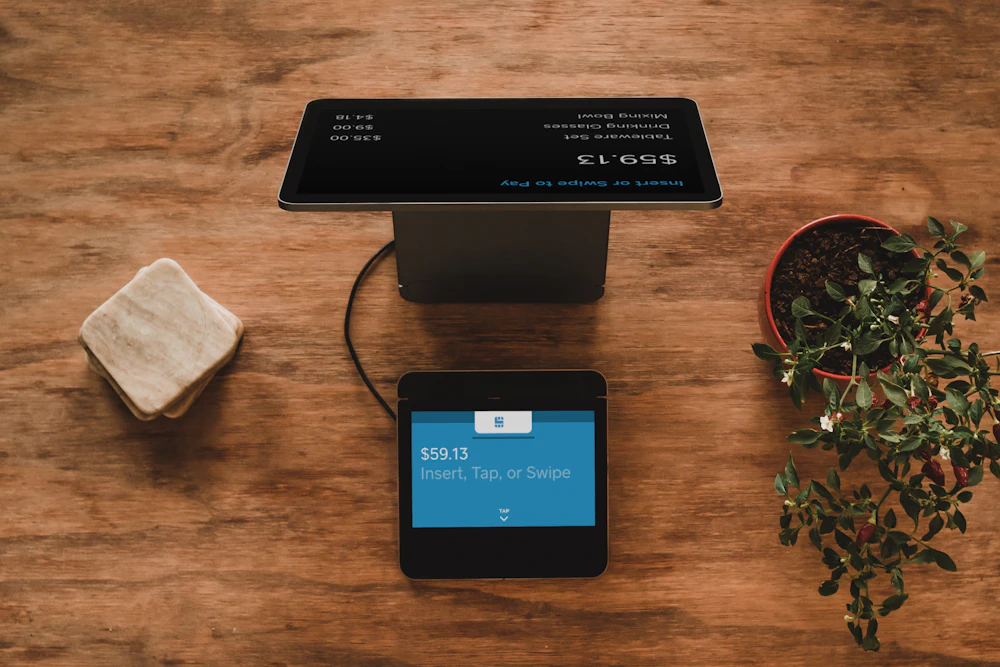
Quick answer: Switching POS systems should include software review, item file planning, inventory setup, compatible hardware, employee training, payment review, reporting setup and support before go-live.
Do not switch POS systems without a plan
A POS change affects sales, products, pricing, inventory, reports, payment workflow, hardware and employees. The goal is not just to replace one checkout screen with another. The goal is to build a better operating system for the business.
BizTracker helps businesses review the current POS setup, identify what needs to improve and move toward BizTracker Infinity POS with the right software, hardware and support plan.
Common reasons businesses switch POS systems
Most businesses do not switch POS systems because of one small issue. They switch because the current system is no longer helping them run the business well.
Weak inventory control
If your current POS does not handle item files, stock counts, purchase orders, receiving, barcode scanning or vendor costs well, inventory becomes harder to trust.
Poor reporting
Owners need clear visibility into sales, departments, items, margins, cash activity, employees and inventory movement. Weak reports make decisions harder.
Outdated hardware
Old terminals, unreliable printers, slow scanners, worn cash drawers or unsupported equipment can create daily frustration at checkout.
Limited support
A business should know who to contact when software, hardware, inventory, reports or setup questions come up.
System no longer fits
A basic POS may work at first, but growing businesses often need better inventory, multi-register support, label printing, purchasing and management controls.
Messy item file
Duplicate products, inconsistent departments, bad UPCs, incorrect prices and unclear descriptions can make checkout and reporting harder than necessary.
Why switch to BizTracker Infinity POS?
BizTracker Infinity POS is a strong fit for businesses that need more than basic checkout. It supports real store operations, including item management, inventory workflows, reporting, purchasing, stock counts, barcode scanning, label printing and hardware support.
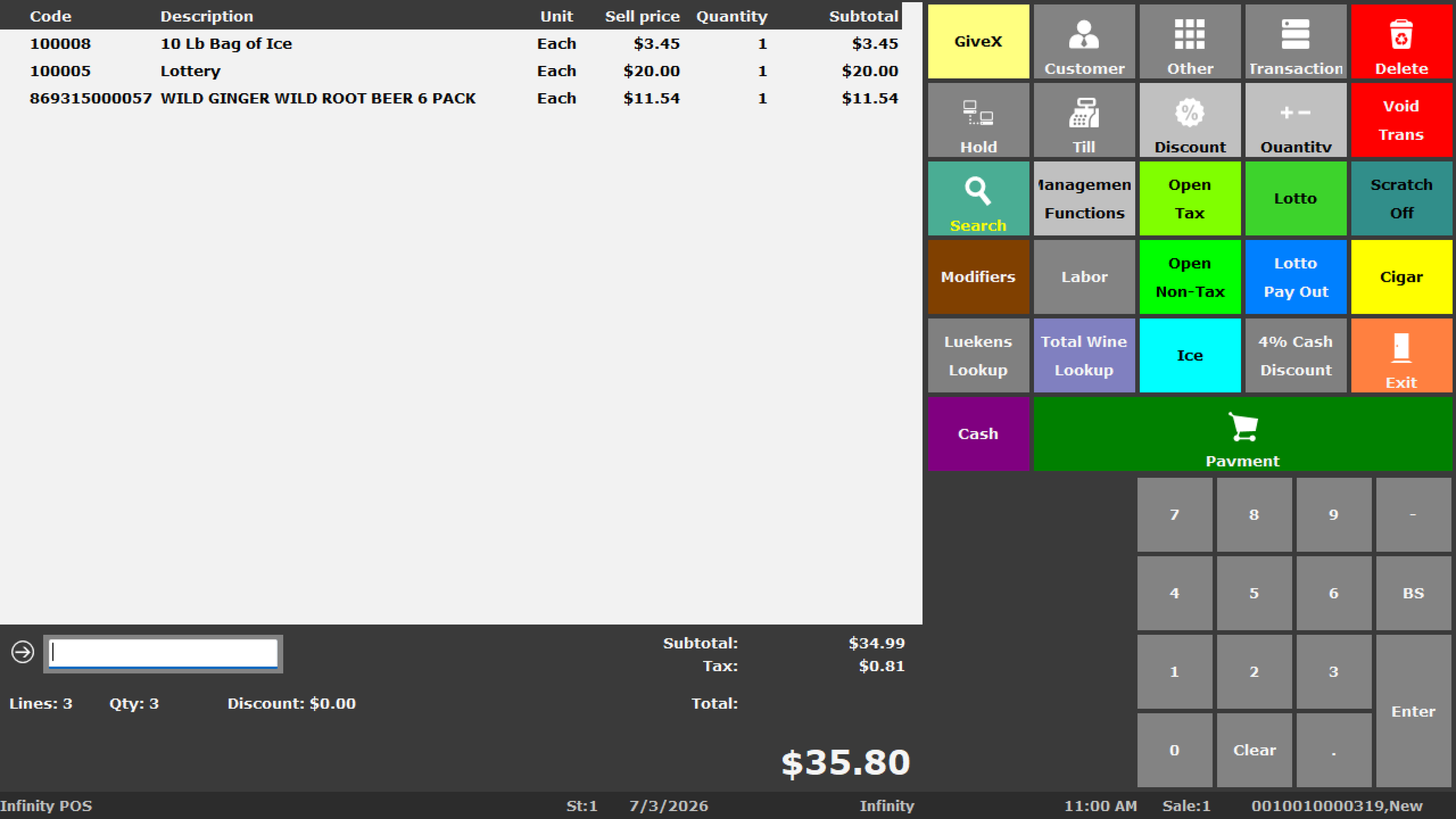
Infinity POS gives you a stronger software foundation
Infinity POS helps businesses manage sales, stock item records, product hierarchy, inventory control, purchasing, stock counts, reporting and back-office review.
What improves when the system is planned correctly
- Cleaner product records and item lookup
- Better barcode scanning and label printing workflows
- More useful departments, sub-departments and classes
- Stronger inventory review and stock count planning
- Purchase order and receiving workflows where applicable
- Better reporting for owners and managers
- Hardware matched to the software and store layout
- Local setup, training and support options
What to review before switching POS systems
The best time to clean up your POS structure is before the switch. BizTracker can help review what should move, what should be cleaned up and what should be rebuilt for better long-term use.
Item file cleanup is one of the biggest opportunities
Switching POS systems is a chance to fix old product-data problems. A cleaner item file can make checkout, barcode scanning, reporting, inventory counts and purchasing easier to manage.
Product codes and UPCs
Review item codes, manufacturer UPCs, alternate scan codes and duplicate items before moving into the new system.
Departments and classes
Build a product hierarchy that makes reports useful instead of copying an old structure that no longer fits the business.
Prices and taxes
Review prices, tax settings, special item rules, age restrictions and pricing fields so checkout is cleaner after go-live.
Hardware may need to be replaced or re-planned
Some businesses can reuse parts of their existing hardware, but compatibility depends on the software version, model, connection type, payment setup, driver support and workflow. BizTracker can help review what should stay, what should change and what should be upgraded.
Checkout hardware
- POS terminals
- Receipt printers
- Cash drawers
- Customer displays
- Payment terminals
Inventory hardware
- Barcode scanners
- Label printers
- Inventory scanners
- Scale options where applicable
- Back-office workstations
Support considerations
- Connection type
- Counter layout
- Printer interface
- Scanner configuration
- Payment compatibility
Our practical POS switching process
A successful POS switch should be planned step by step. BizTracker helps businesses review the current system, plan the new setup, prepare the item file, match hardware, train employees and support the go-live.
Review the current POS system
We look at what is working, what is not working and what the business needs from the new system.
Plan the Infinity POS setup
BizTracker helps plan software configuration, item structure, departments, inventory workflows, reports and user permissions.
Review item data and hardware
Product data, UPCs, prices, taxes, scanners, printers, cash drawers, payment devices and label printers should be reviewed before go-live.
Set up, test and train
Before the switch, the system should be tested for checkout, scanning, receipts, labels, cash drawers, payment flow, reports and employee use.
Support the go-live and follow-up
After go-live, BizTracker can help with questions, adjustments, troubleshooting, training reinforcement and future system improvements.
Switching POS systems by business type
Different businesses switch for different reasons. BizTracker helps configure BizTracker Infinity POS around the workflow, inventory needs, hardware and reporting priorities of each business.
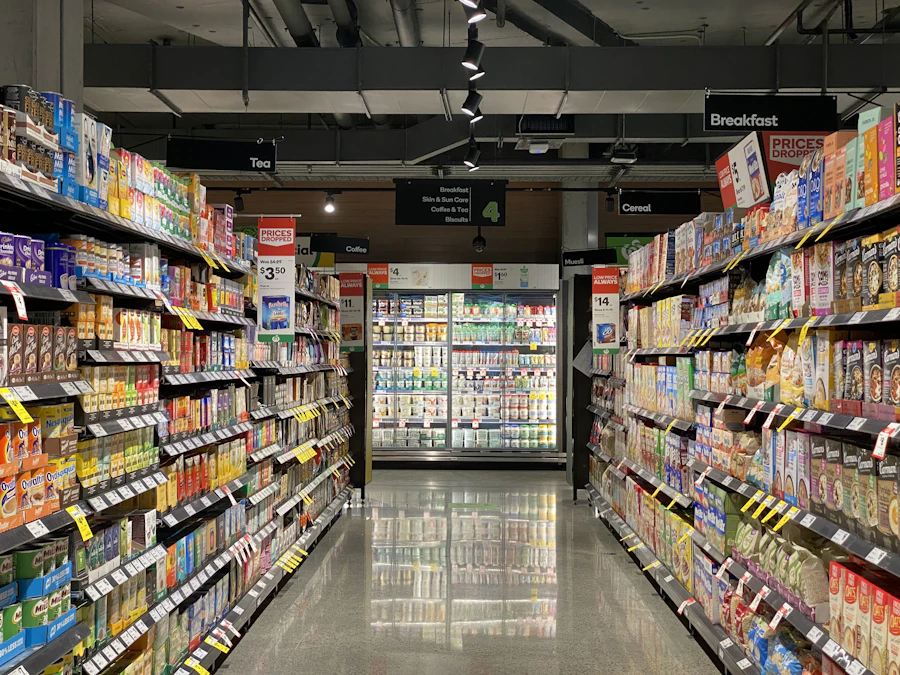
Retail stores
Retail stores often switch for better inventory, item management, barcode scanning, label printing, reporting and store-level control.

Liquor stores
Liquor stores may need age-restricted item controls, fast scanning, case breaks, label printing, inventory reporting and stronger checkout hardware.

Grocery stores
Grocery stores may need better departments, scale workflows, frequent price changes, vendor records, inventory tools and cashier training.

Convenience stores
Convenience stores need fast checkout, barcode scanning, cash control, age-restricted item controls, label printing and accurate item reporting.

Restaurants and food service
Restaurants may switch for better menu setup, modifiers, employee permissions, tips, kitchen printing, payment flow and reliable training.
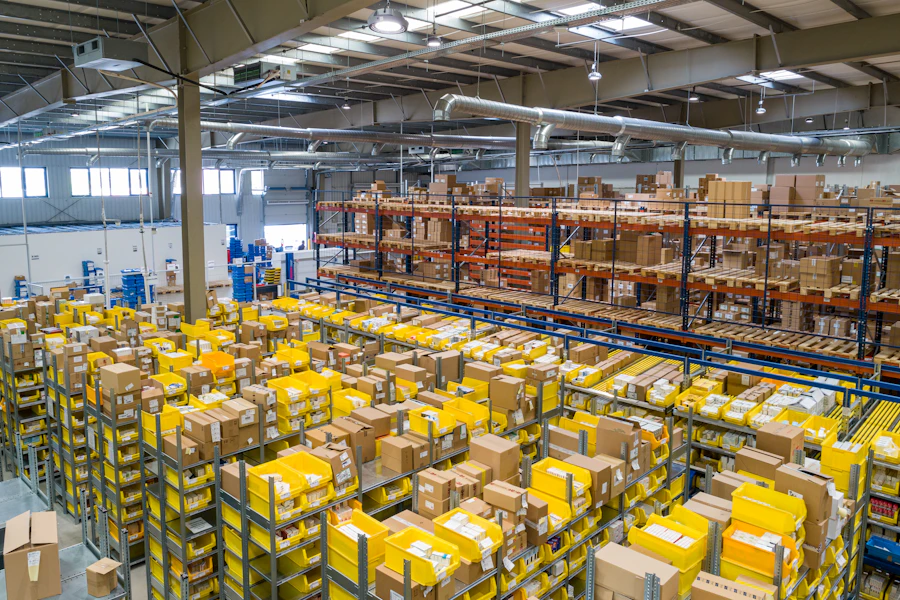
Multi-store businesses
Multi-store businesses need consistent item structure, reporting visibility, inventory workflows, user controls and support that can scale.
Common POS switching mistakes to avoid
Switching systems can be a major improvement, but rushing the process can create avoidable problems. Planning the item file, hardware, reports and training before go-live helps reduce disruption.
Mistakes to avoid
- Copying old item-file problems into the new system.
- Ignoring UPC, SKU and department cleanup.
- Buying hardware before confirming compatibility.
- Waiting too long to train employees.
- Not testing scanning, receipts, labels and payment flow.
- Switching without a reporting plan.
- Going live without support arranged.
Better switching practices
- Review your current pain points first.
- Clean up product data before go-live.
- Build departments around reporting needs.
- Match hardware to the Infinity POS workflow.
- Test common checkout and inventory tasks.
- Train cashiers, managers and owners by role.
- Plan follow-up support after the switch.
Data migration depends on the quality of the old data
Some product information may be usable from an older POS system, spreadsheet or export, but the exact process depends on the format, quality and completeness of the data. BizTracker can help review what can be organized, cleaned up or rebuilt for BizTracker Infinity POS.
Local POS switching help in Tampa Bay
BizTracker is a local POS software and support company serving businesses throughout the Tampa Bay area. We help businesses switch to BizTracker Infinity POS with software planning, matching hardware, item file setup, inventory workflows, barcode scanning, label printing, reporting, employee training and support.
Showroom demos
Business owners can review practical POS software and hardware options before making a decision.
Onsite and remote support
BizTracker can help with setup, training, troubleshooting and follow-up support depending on the business need.
Software and hardware experience
We help connect BizTracker Infinity POS with scanners, printers, cash drawers, scales, labels, payment devices and related equipment.
Helpful related pages
Use these pages to learn more about BizTracker Infinity POS, switching systems, item setup, hardware planning, inventory workflows and local support.
Frequently Asked Questions
When should a business switch POS systems?
A business should consider switching when the current POS system no longer supports inventory, reporting, hardware, checkout speed, employee training, payment workflow, support needs or business growth.
Can BizTracker help move us to Infinity POS?
Yes. BizTracker can help businesses plan a switch to BizTracker Infinity POS, including software setup, item file review, hardware planning, training, inventory workflows and support.
Can we reuse our current POS hardware?
It depends on the hardware model, connection type, condition, compatibility, software setup and payment requirements. BizTracker can help review what may be reusable and what should be replaced.
Can our old product list be imported?
Possibly. Product data may be usable from an old POS export or spreadsheet, but the process depends on the format, completeness and quality of the data. Cleanup may be needed before go-live.
Will switching POS systems disrupt the business?
A POS switch should be planned carefully to reduce disruption. Item setup, hardware testing, employee training, reporting review and go-live support help make the transition smoother.
Does BizTracker provide local support?
Yes. BizTracker helps Tampa Bay businesses with POS software, hardware planning, installation, training, troubleshooting, showroom demos, onsite help and remote support depending on the business need.
Ready to switch to BizTracker Infinity POS?
BizTracker helps businesses move from outdated or limited POS systems to BizTracker Infinity POS with software setup, matching hardware, item file planning, inventory tools, reporting, employee training and ongoing support.