
POS Installation and Training
POS Installation, Setup and Training for BizTracker Infinity POS
A POS system is only as good as the setup behind it. BizTracker helps businesses install, configure and train on BizTracker Infinity POS software with the right checkout hardware, inventory tools, reporting setup and ongoing support.
Whether you are opening a new location, replacing an old system or upgrading from a basic checkout setup, BizTracker can help plan the software, hardware, item files, employee training and go-live process.
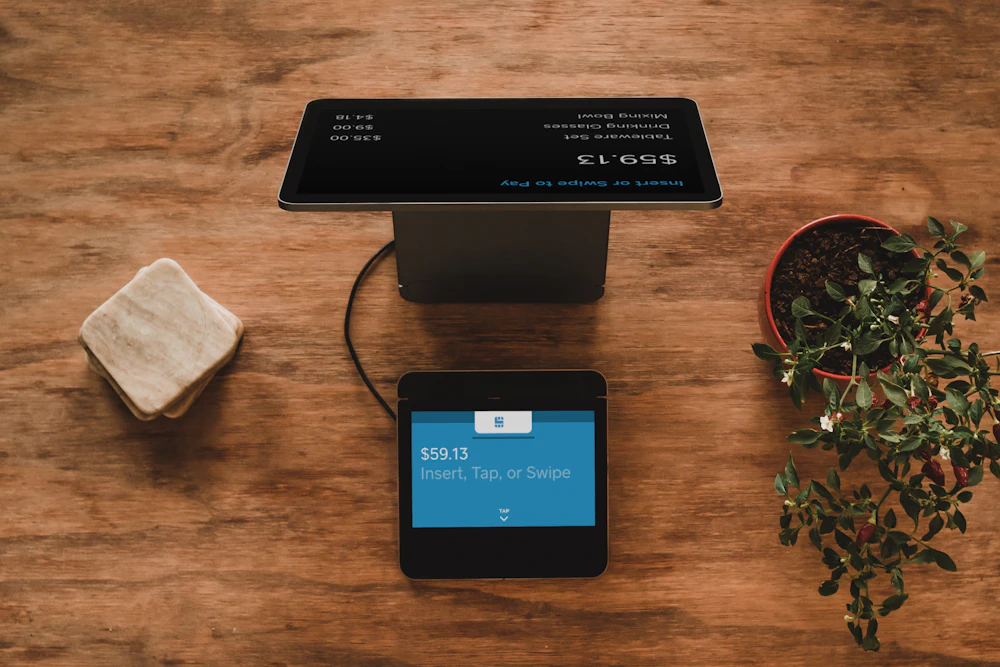
Quick answer: Proper POS installation should include software setup, hardware matching, item file planning, employee training, payment review, reporting setup and support after go-live.
Good POS setup starts before the first sale
Buying POS software and hardware is only the first step. The system also needs to be configured around your business, your employees, your products, your pricing, your payment setup and your reporting needs.
BizTracker works with businesses onsite, remotely or in the showroom depending on the situation. The goal is to help the system work for the business, not leave the owner to figure everything out alone.
What BizTracker POS installation can include
Every business is different, but a complete POS implementation often includes software configuration, hardware planning, employee training and support during the transition.
Infinity POS software setup
Configure BizTracker Infinity POS around your item file, departments, pricing, taxes, employee permissions, inventory process, reporting needs and daily checkout workflow.
Hardware planning
Match the software with POS terminals, receipt printers, cash drawers, barcode scanners, customer displays, label printers, scales, payment devices and other equipment.
Training and go-live support
Help cashiers, managers and owners understand the system before opening, switching systems or going live with a new POS setup.
Set up the software before employees start using it
For inventory-focused businesses, the setup behind the screen is just as important as the checkout screen itself. Item files, departments, barcode scanning, labels, purchase orders and reports should be planned before employees start using the system.
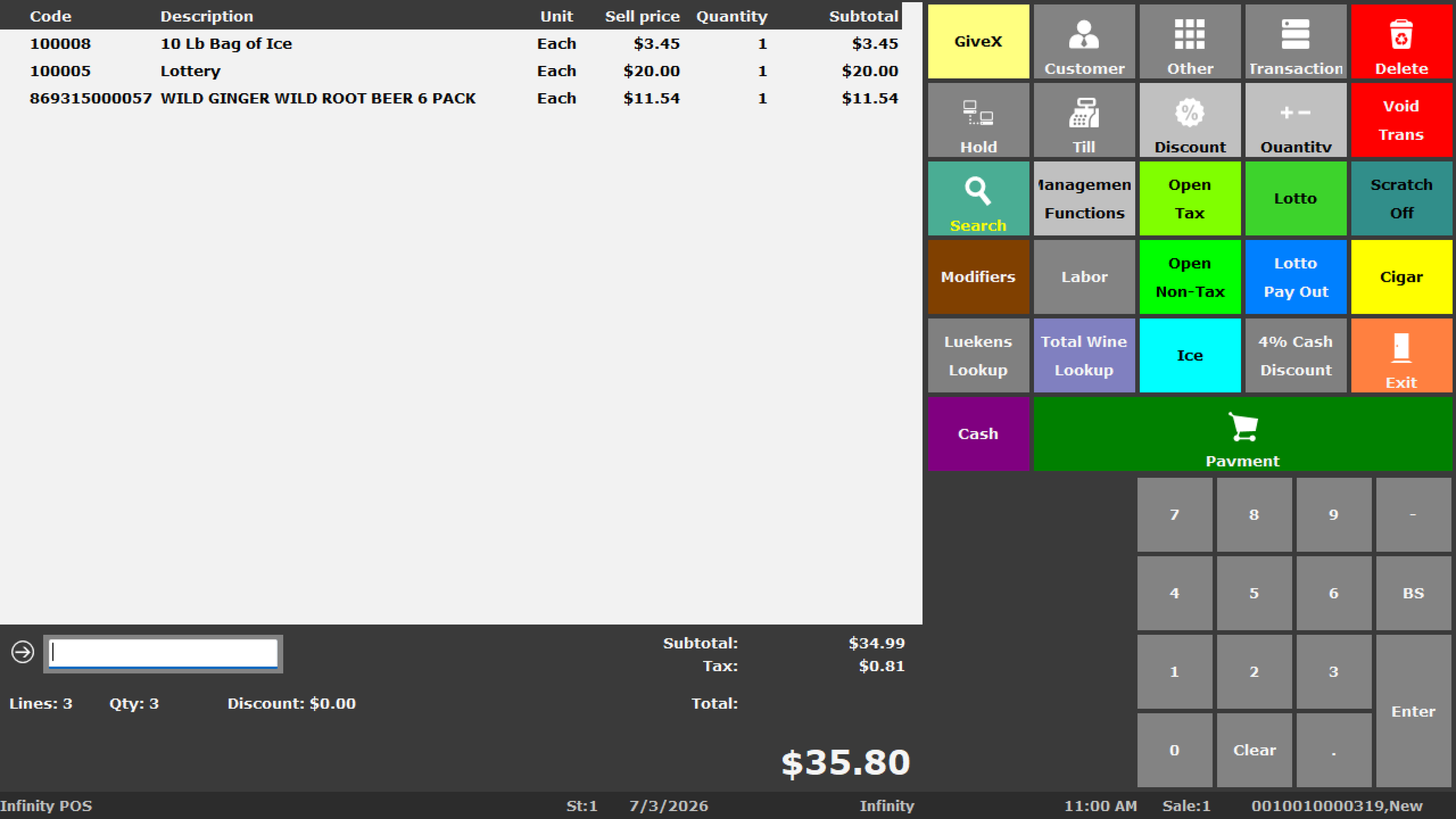
BizTracker Infinity POS configuration
Infinity POS can be set up around the way your business manages products, checkout, inventory, reporting, purchasing, stock counts, employees and store operations.
Important setup areas
- Item records, UPCs, SKUs and descriptions
- Departments, categories and tax settings
- Pricing, discounts and promotions
- Barcode scanning and label printing workflows
- Inventory counts, receiving and purchasing
- Employee roles, permissions and cash controls
- Sales, inventory and management reports
- Register stations, back-office access and hardware connections
Our practical POS installation process
A good POS implementation should follow a clear process. BizTracker helps businesses review the operation, prepare the system, install the hardware, train the team and support the first days of use.
Review your business workflow
We look at how your business sells, tracks inventory, handles cash, receives products, prints labels, reviews reports and supports employees at checkout.
Plan the software setup
BizTracker helps plan item files, departments, categories, tax settings, pricing, employee permissions, reporting and inventory workflows before go-live.
Match and prepare the hardware
The POS system may include terminals, receipt printers, cash drawers, barcode scanners, label printers, scales, payment devices, kitchen printers or back-office workstations.
Train employees and managers
Training helps the team understand checkout, returns, cash handling, product lookup, reporting, inventory tasks and day-to-day system use.
Support the go-live
When the system goes live, BizTracker can help with questions, adjustments, troubleshooting and follow-up support so the business is not left on its own.
POS hardware installation and matching
Hardware should be selected to match the software, the checkout counter and the way employees work. BizTracker can help choose and support hardware that fits your store, restaurant or service counter.
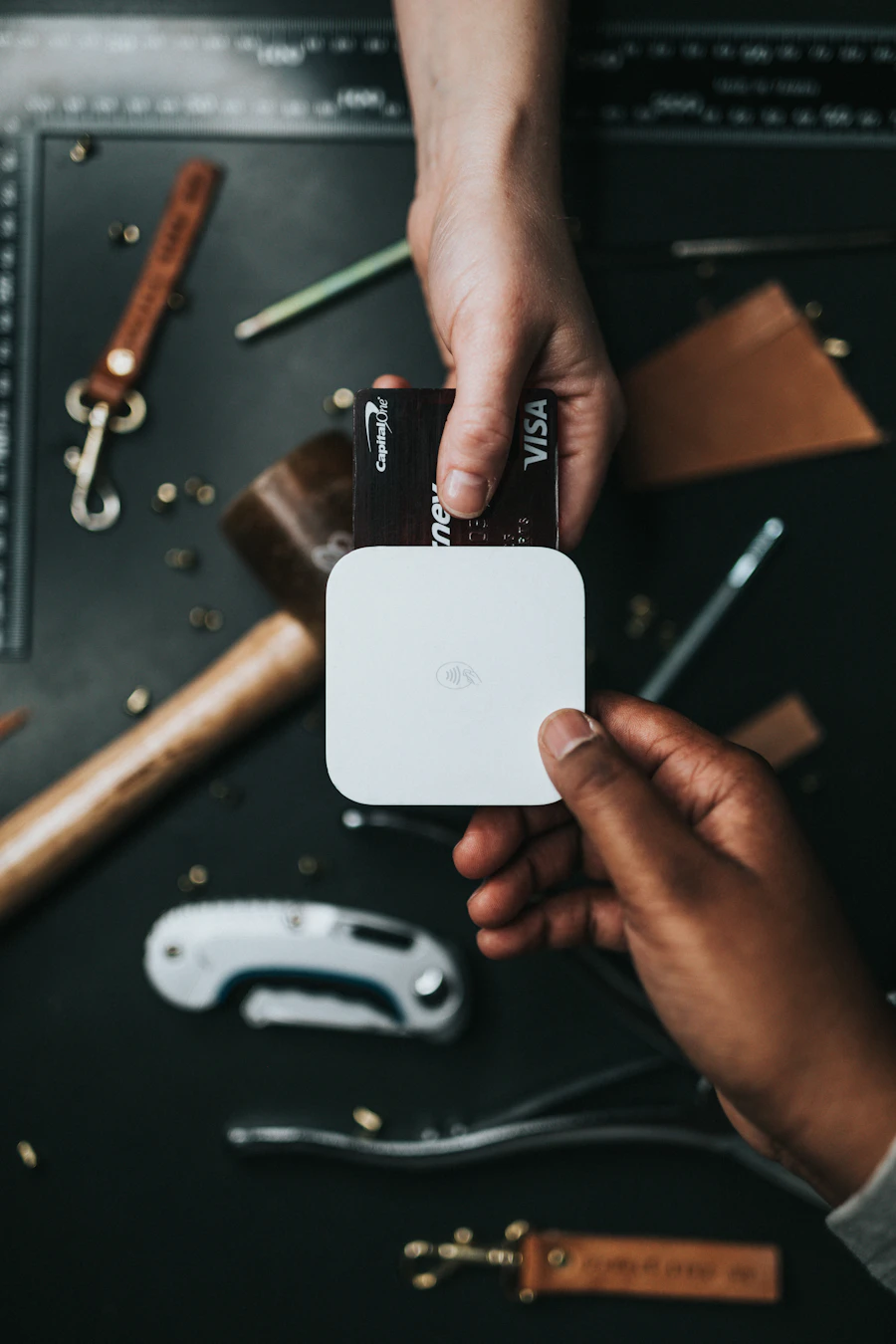
Checkout hardware
- POS terminals
- Receipt printers
- Cash drawers
- Customer displays
- Payment terminals
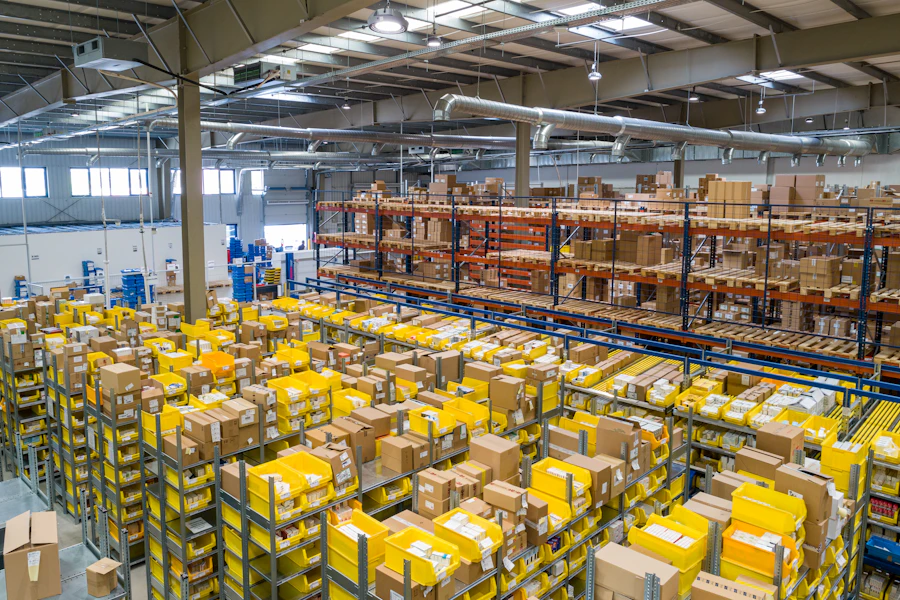
Inventory hardware
- Barcode scanners
- Label printers
- Inventory scanners
- Scale options where applicable
- Back-office workstations
Food service hardware
- Kitchen printers
- Bar printers
- Counter service stations
- Cash drawers
- Receipt printers
Training should be role-based
Owners, managers and cashiers do not all need the same training. A practical POS training plan should focus on what each person needs to do in the system.
Cashier training
Cashiers may need help with ringing sales, scanning products, looking up items, applying discounts, handling returns, printing receipts and closing out correctly.
Manager training
Managers may need training for cash control, employee permissions, price changes, inventory tasks, reports, end-of-day review and troubleshooting common issues.
Owner training
Owners may need training on reporting, inventory visibility, purchasing workflows, multi-store review, security settings and how to use the system to manage the business.
Installation support by business type
Different businesses need different setup priorities. BizTracker Infinity POS and matching hardware should be configured around the operation, not forced into a one-size-fits-all setup.
Retail stores
Retail stores need item setup, barcode scanning, receipt printing, cash drawers, departments, sales reporting, inventory workflows and employee training.
Liquor stores
Liquor stores may need age-restricted item setup, barcode scanning, case breaks, frequent price changes, inventory reporting and fast checkout hardware.
Grocery stores
Grocery stores may need departments, scale workflows, product files, label printing, inventory tools, cashier training and reliable checkout support.
Convenience stores
Convenience stores need fast checkout, barcode scanning, cash control, age-restricted item controls, label printing and accurate item reporting.
Restaurants and food service
Restaurants may need menu setup, modifiers, employee permissions, tips, kitchen printers, receipt printers, cash tracking and go-live training.
Multi-store businesses
Multi-store businesses need consistent setup, reporting visibility, inventory workflows, user controls and support that can grow with the operation.
What to prepare before POS installation
A smoother installation starts with better preparation. Before setup, business owners should gather the information needed to configure the system correctly.
Common POS setup mistakes to avoid
Many POS problems start before the system goes live. The right planning helps prevent confusion, bad reporting, slow checkout and support issues later.
Mistakes to avoid
- Buying hardware before confirming software compatibility.
- Waiting too long to prepare the item file.
- Skipping employee training before go-live.
- Ignoring inventory workflows during setup.
- Using unclear departments or categories.
- Not testing scanners, printers, drawers and payment devices.
- Launching without a support plan.
Better setup practices
- Start with the business workflow.
- Build the item file carefully.
- Match hardware to the software and counter layout.
- Train cashiers, managers and owners by role.
- Test checkout, receipts, cash drawers and reports.
- Review inventory tools before go-live.
- Plan support for the first days of use.
Local POS help in Tampa Bay
BizTracker is a local POS software and support company serving businesses throughout the Tampa Bay area. We can help with showroom demos, onsite service, remote support, installation planning, employee training, troubleshooting and future upgrade planning.
Showroom demos
Business owners can review practical POS software and hardware options before making a decision.
Onsite and remote support
BizTracker can help with setup, training, troubleshooting and follow-up support depending on the business need.
Software and hardware experience
We help with BizTracker Infinity POS, POS stations, scanners, printers, cash drawers, scales, labels and related equipment.
Helpful related pages
Use these pages to learn more about BizTracker Infinity POS, inventory workflows, hardware and local support.
Frequently Asked Questions
Does BizTracker install POS systems onsite?
BizTracker can help Tampa Bay businesses with onsite setup, remote support, showroom demos, training and follow-up help depending on the business need and project scope.
What is included in POS installation?
POS installation may include software configuration, item setup, hardware setup, receipt printer and cash drawer setup, barcode scanner setup, label printer setup, employee training, reporting review and go-live support.
Can BizTracker help set up inventory?
Yes. BizTracker can help with item files, departments, barcode scanning, purchase orders, receiving, stock counts, label printing and reporting workflows for BizTracker Infinity POS.
Can BizTracker train employees?
Yes. BizTracker can help train cashiers, managers and owners on the parts of the POS system they need to use, including checkout, cash control, inventory tasks, reporting and daily operations.
Do I need to prepare my item list before installation?
It helps to prepare item names, UPCs, departments, categories, prices, tax settings and vendor information before installation. BizTracker can help review what is needed based on your business type.
Can BizTracker help after the system goes live?
Yes. BizTracker provides ongoing help for POS software, hardware, training questions, troubleshooting, inventory workflows, reports and future upgrades.
Get BizTracker Infinity POS installed the right way
BizTracker helps businesses set up BizTracker Infinity POS software, matching hardware, inventory tools, reporting, employee training and support so the system is ready for real daily use.