
POS Employee Training Checklist
A POS System Only Works When Employees Know How to Use It
POS training is not just showing employees how to ring up a sale. Staff should understand checkout, item lookup, barcode scanning, discounts, returns, voids, age prompts, cash drawer procedures, payment issues, printer problems and who to call when something goes wrong.
BizTracker helps businesses plan POS employee training as part of BizTracker Infinity POS setup, hardware installation, inventory planning, payment workflow, failover procedures and ongoing support.
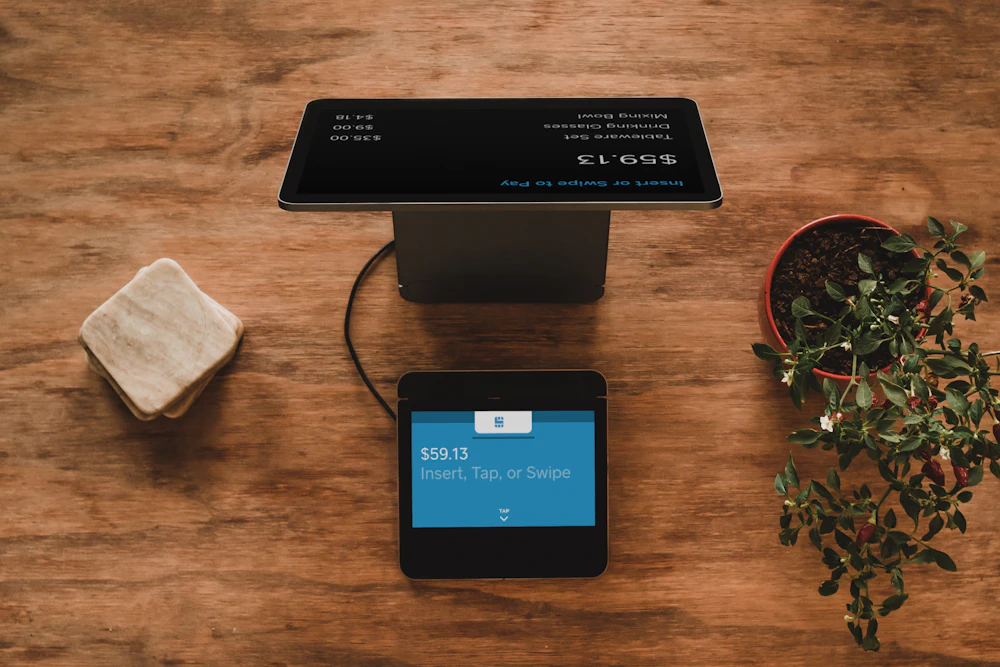
Quick answer: A POS employee training checklist helps staff learn checkout, payments, item lookup, cash handling, returns, discounts, hardware issues, outage procedures and manager escalation before problems happen.
Why POS employee training matters
Many POS problems are not really software problems. They are process problems, permission problems, item file problems, payment procedure problems or training gaps. When employees do not know what to do, checkout slows down, managers get pulled into every issue and mistakes become harder to track.
A clear POS training checklist helps new employees learn the system faster and helps experienced employees handle exceptions more consistently.
What should be included in POS training?
POS training should match the business type, employee role, hardware setup and manager controls. A cashier, manager, receiver, back-office user and owner may all need different training.
Training by employee role
Every employee does not need the same access or the same training. POS training should be tied to job responsibility and user permissions.

Cashiers
Cashiers need to know daily checkout tasks, item lookup, scanning, payment procedures, receipts, returns, restricted item prompts and when to call a manager.
- Sales and item lookup
- Cash and card procedures
- Receipt and printer basics
- Discount and return rules
Inventory staff
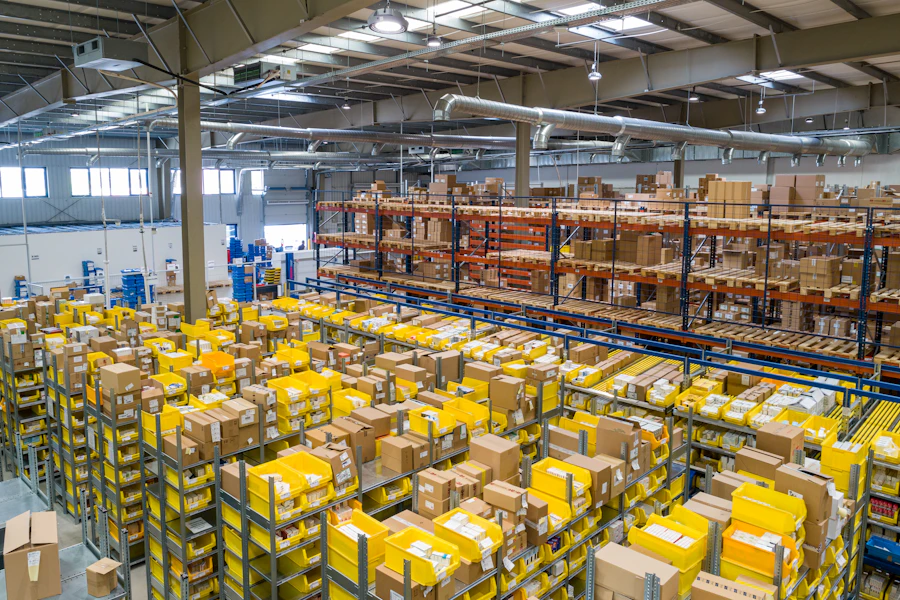
Inventory staff may need training on item records, barcode scanning, receiving, purchase orders, stock counts, labels and inventory adjustments.
- Receiving and purchase orders
- Stock counts and adjustments
- Barcode and label workflows
- Item file accuracy

Managers and owners
Managers need training on user permissions, reporting, cash control, exceptions, employee procedures, backup plans and support escalation.
- Reports and review
- Permissions and overrides
- Cash drawer accountability
- Support and outage procedures
Front-counter POS training checklist
Front-counter employees should be comfortable with the most common daily tasks before they are left alone on the register.
Daily checkout tasks
- Log in and log out correctly.
- Scan barcode items.
- Search for items that do not scan.
- Enter quantities correctly.
- Handle no-sale drawer openings according to policy.
- Print or reprint receipts when allowed.
- Pause and call a manager for exceptions.
Exception handling
- What to do when an item does not scan.
- What to do when a price looks wrong.
- Who can approve a discount.
- Who can approve a return or refund.
- What to do when a card is declined.
- What to do when the receipt printer stops.
- What to do when the internet or payment terminal is down.
Manager POS training checklist
Managers need more than checkout training. They need to understand the controls that protect the business and help employees respond correctly.
Training should match employee permissions
Employees should not be trained to use functions they are not authorized to perform. Discounts, refunds, voids, price changes, cash drawer access, report access and item edits should be controlled by user permissions and business policy.
Hardware training should not be skipped
Employees should know basic POS hardware troubleshooting. This does not mean every cashier becomes a technician, but staff should understand simple first steps and when to escalate.
Receipt printers
Employees should know how to check paper, confirm the printer is powered on, clear basic paper issues and call for help when the printer is offline.
Barcode scanners
Staff should know how to identify when an item will not scan, how to use item lookup and when the issue may be item data instead of the scanner.
Cash drawers
Employees should know drawer opening rules, receipt printer dependency, cash handling procedures and when a manager should be involved.
Payment devices
Employees should know approved first steps for payment issues, what not to do with card data and when to contact a manager.
Label printers
Inventory and manager users should know label basics, including item data, label format, printer selection and when to request support.
Network issues
Employees should know when a problem may involve internet, Wi-Fi, router, switch, cabling or backup internet instead of the POS software.
Example POS training case studies
These common scenarios show why employee training should be part of every POS installation and support plan.
Cashiers keep calling a manager for item lookup
A retail store has barcode scanning, but employees panic when an item does not scan. Managers get interrupted constantly, and checkout slows down.
Training plan: Train cashiers on item lookup, alternate search terms, department search, when to verify price and when to call a manager.
Age-restricted item prompts are ignored
A liquor store has age-restricted items in the POS, but new employees rush through prompts without understanding the store policy.
Training plan: Train employees on age prompts, manager expectations, ID policy, restricted product workflow and when to slow down at checkout.
Staff do not know what to do when printing stops
A restaurant relies on kitchen and bar printing. When a printer stops, employees keep entering orders but do not realize the kitchen is not receiving tickets.
Training plan: Train staff on printer warning signs, who to notify, backup routing, manual communication procedures and support escalation.
Inventory counts are inconsistent
A grocery store has inventory tools, but employees handle receiving and stock counts differently. Reports become harder to trust.
Training plan: Train staff on item records, receiving procedures, stock count process, barcode scanning, labels and manager review.
Training should include outage and backup procedures
Employees should not learn the outage plan during an outage. Basic training should include what to do when internet, power, payment devices, printers, scanners or POS stations stop working.
Payment outage training
Employees should know what payment procedures are approved, what not to do with card data and when to call a manager.
Failover training
Managers should know backup internet, support contacts, restart procedures and the plan for common outage situations.
Backup power training
Employees should know which devices are on battery backup and what to check after a power flicker or outage.
How BizTracker helps with POS employee training
BizTracker helps businesses train employees around the real workflow of the store, not just the basic buttons. Training can be part of a new POS installation, system replacement, hardware change, support visit or process improvement project.
Review employee roles
We review which users are cashiers, managers, inventory staff, owners or back-office users so training matches responsibility.
Review daily workflows
Checkout, item lookup, payments, discounts, returns, cash drawer procedures, inventory tasks and reporting should be reviewed before training.
Set permissions and controls
User permissions should match what employees are allowed to do. Managers should understand override and review responsibilities.
Train on software and hardware
Employees should learn the POS screen, scanners, printers, cash drawers, payment devices, labels and basic support steps.
Review after go-live
Training should continue after go-live as employees discover questions, managers review mistakes and procedures are refined.
Training and BizTracker Infinity POS
BizTracker Infinity POS can support checkout, item management, inventory, reporting and back-office workflows. Employee training helps the business get practical value from those tools and reduces avoidable mistakes.
Infinity POS setup and training
BizTracker can help train employees on checkout, item lookup, inventory workflow, reporting, labels, hardware and support procedures.
Installation and go-live support
Training should be part of installation and go-live planning so employees are ready before the system is used during normal business hours.
Helpful related pages
Use these pages to learn more about BizTracker Infinity POS, installation, hardware planning, item file setup, failover, backup planning and local support.
Frequently Asked Questions
What should POS employee training include?
POS employee training should include checkout, item lookup, barcode scanning, payments, cash drawer procedures, discounts, returns, refunds, age prompts, hardware basics, outage procedures and manager escalation.
Do managers need different POS training than cashiers?
Yes. Managers usually need training on permissions, reports, cash control, exceptions, user access, inventory review, support procedures and outage planning.
Should POS training include hardware?
Yes. Employees should understand basic first steps for receipt printers, barcode scanners, cash drawers, payment devices and other POS hardware used in daily operations.
Should employees be trained on payment outages?
Yes. Employees should know what to check, who to call, what procedures are approved and what not to do with payment card information during an outage.
How often should POS training be reviewed?
Training should be reviewed when new employees are hired, procedures change, hardware changes, payment setup changes, reports show recurring mistakes or the business replaces its POS system.
Can BizTracker help train employees on Infinity POS?
Yes. BizTracker can help train employees and managers on BizTracker Infinity POS software, hardware, checkout workflow, inventory tools, reporting, outage procedures and support steps depending on the business setup.
Train employees before POS mistakes become daily problems
BizTracker helps businesses with BizTracker Infinity POS setup, employee training, hardware planning, item file setup, payment workflow, outage procedures, inventory tools, reporting and local support.