
Star Micronics Printer Support Assistant
Get general guidance for common Star Micronics printer questions, including receipt printers, kitchen printers, label printers, sticky label printers, mobile printers, mPOP, drivers, connection types, cash drawer kick, and POS printing issues.
This assistant is designed for BizTracker customers, retail stores, restaurants, managers, cashiers, and end users who need a practical starting point before contacting technical support.
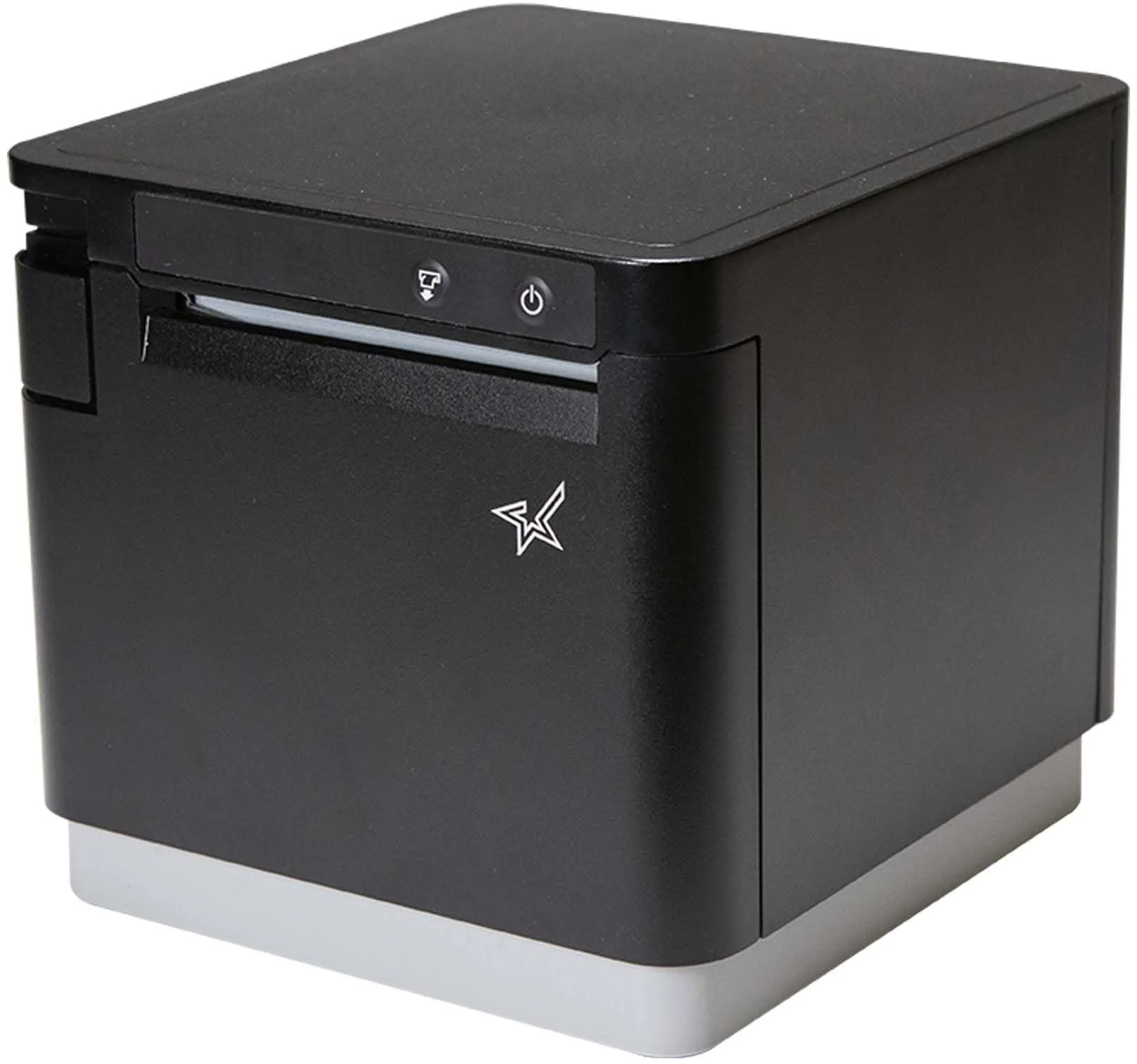
Printer help for real store workflows
Use the assistant to understand common Star printer problems, gather model and connection details, and know when BizTracker support should review your setup.
Helpful for BizTracker customers using Star printers in retail, grocery, liquor, convenience, restaurant, and specialty store environments.
The assistant prompts for printer model and connection type when needed so guidance can be more useful and less generic.
Ask about receipt printing, kitchen tickets, label printing, sticky labels, mobile printers, mPOP, and cash drawer operation.
BizTracker can help with technical support, setup, hardware, POS printing, label workflows, kitchen printing, cash drawers, and replacement planning.
Why We Built the Star Micronics Support Assistant
Printer issues can slow down checkout, kitchen service, label printing, receiving, inventory control, and back-office work. A receipt printer that will not print, a kitchen printer that stops during service, or a sticky label printer that skips labels can quickly become a store operations problem.
The BizTracker Star Micronics Printer Support Assistant gives customers a place to ask common Star printer questions in plain English. It can help explain what to check, what information to gather, and when to contact BizTracker support.
The assistant can help with general guidance, but it cannot remotely access your computer, install drivers, physically repair equipment, verify your live POS configuration, guarantee compatibility, or replace professional support.
What the Assistant Can Help With
Use the assistant for common Star Micronics printer questions, basic troubleshooting, and support preparation. For live checkout issues, kitchen printing problems, hardware failures, driver changes, network setup, or POS mapping problems, contact BizTracker support.
Receipt Printers
Ask about paper loading, blank receipts, cutter issues, printer offline messages, connection types, print queue problems, and POS receipt printing basics.
Kitchen and Impact Printers
Get help understanding kitchen printer routing, SP700 impact printer issues, ribbon checks, light printing, missing tickets, and restaurant order printing concerns.
Label and Sticky Label Printers
Ask about skipping labels, sticky label media, linerless labels, black mark or gap sensing, barcode print quality, calibration, templates, and media settings.
mC-Print and TSP Series
Ask general questions about TSP100IV, TSP100III, mC-Print3, mC-Print2, TSP650II, TSP700II, TSP800II, TSP100IV SK, and TSP650IISK.
mPOP and Mobile Printers
Ask about mPOP printing and drawer operation, SM-L200 and SM-L300 mobile printers, Bluetooth pairing, Wi-Fi setup, batteries, and device compatibility.
Drivers and Utilities
Learn what information to gather before changing drivers or printer ports. Driver selection may depend on model, operating system, connection type, and POS software.
Cash Drawer Kick
Understand why many cash drawers open through the receipt printer and what to check before assuming the drawer or printer is defective.
Network and CloudPRNT
Ask about Ethernet, Wi-Fi, IP address changes, router changes, Windows printer ports, CloudPRNT concepts, and why network printing often needs setup-specific review.
Support Preparation
Use the assistant to gather printer model, connection type, error lights, symptoms, recent changes, and whether the issue affects live operations.
Use AI Help Carefully for Live Printer and POS Issues
The Star Micronics Support Assistant provides general guidance only. It cannot access your computer, install drivers, confirm your POS printer mapping, verify network settings, repair hardware, or guarantee compatibility. If the printer affects live checkout, kitchen printing, customer receipts, label printing, cash drawer operation, payment receipts, or business-critical operations, contact BizTracker support before making changes.
Good Questions to Ask
The assistant works best when you include the Star Micronics printer model, connection type, printer type, what changed recently, and whether the issue affects live checkout, kitchen printing, labels, or customer receipts.
Receipt Printer Questions
- My Star receipt printer is printing blank receipts. What should I check?
- My Star printer says offline. What does that usually mean?
- The cutter is not cutting correctly. What should I do first?
Kitchen Printer Questions
- My SP700 kitchen printer is not printing orders. What should I check?
- My Star kitchen printer prints too light. Could it be the ribbon?
- Orders are printing at the wrong kitchen station. What information should I gather?
Label and Setup Questions
- My Star label printer is skipping labels. What causes that?
- What connection type is my Star printer using?
- What information should I gather before contacting BizTracker support?
AI Assistant vs BizTracker Technical Support
The assistant is helpful for general questions and preparation. BizTracker support is the right choice when the issue affects live checkout, kitchen printing, POS printing, drivers, cash drawers, network printing, label accuracy, or hardware decisions.
| Question or Need | Star Micronics AI Assistant | BizTracker Support |
|---|---|---|
| General printer troubleshooting | Helpful for plain-English explanations and basic checklists. | Recommended when the issue needs store-specific review. |
| Model and connection identification | Can help users gather printer model, connection type, media, error lights, and recent changes. | Useful when setup details affect POS printing, labels, kitchen tickets, or hardware compatibility. |
| Driver or utility questions | Can explain what information is needed before downloading or changing drivers. | Recommended before changing drivers on a live checkout, kitchen, or label printing station. |
| Receipt, kitchen, label, sticky label, or mobile printer setup | Can explain common setup factors and what may vary. | Recommended for model-specific setup, driver ports, printer mapping, network setup, CloudPRNT, or POS configuration. |
| Cash drawer not opening | Can explain that the drawer may depend on the receipt printer, cable, kick port, POS setting, and transaction workflow. | Recommended when it affects live checkout or the drawer still does not open after basic checks. |
| Live store printing problem | Not a replacement for technical support. | Contact BizTracker support. |
Before You Ask the Assistant
A little detail helps the assistant give a better answer and helps BizTracker support if you need human help afterward.
1. Find the Star Model
Look for the model number on the printer body, bottom label, rear label, front panel, configuration printout, box, receipt, invoice, or existing support notes.
2. Identify the Connection Type
Is the printer connected by USB, Ethernet, Wi-Fi, Bluetooth, CloudPRNT, serial, or another method? Connection type can change the troubleshooting path.
3. Describe the Problem Clearly
Include error lights, blank receipts, offline messages, missing kitchen tickets, label skipping, cash drawer issues, recent changes, and whether the issue affects live operations.
Official Star Micronics Support
Star Micronics drivers, manuals, utilities, and product support should be reviewed from Star’s official support site. Before downloading or installing anything, confirm your exact Star printer model, operating system, connection type, and POS software.
Star Micronics Product Support
Use Star’s official support page when looking for manuals, drivers, utilities, or product-specific support files. Driver selection may depend on the printer model, operating system, connection type, permissions, and POS software.
Driver and Setup Caution
Do not install or change drivers blindly on a live POS station. Driver changes can affect receipt printing, kitchen tickets, label printing, cash drawer operation, POS printer mapping, and checkout. If the printer is used for live store operations, contact BizTracker support before making changes.
Helpful BizTracker Resources
Use these pages to learn more about BizTracker support, Infinity POS, retail workflows, barcode scanning, label printing, and inventory operations.
Frequently Asked Questions
Can the Star Micronics Support Assistant fix my printer?
No. The assistant can provide general guidance, but it cannot access your computer, install drivers, repair hardware, verify network settings, or replace BizTracker support.
What information should I provide first?
Start with the Star printer model, printer type, connection type, POS software if known, operating system if relevant, error lights or messages, media size, and whether the issue affects live checkout, kitchen printing, labels, or customer receipts.
Can it help if my Star printer is printing blank receipts?
Yes. Blank receipts are often related to thermal paper orientation, paper type, media compatibility, or printhead condition. The assistant can help with general checks, but unresolved issues should go to BizTracker support.
Can it help if my SP700 kitchen printer is not printing orders?
Yes, it can help identify common things to check, such as power, paper, ribbon, connection type, printer status, and POS routing. If kitchen orders are not printing during live service, contact BizTracker support.
Can it help if my label printer is skipping labels?
Yes. Skipping labels may involve calibration, gap sensing, black mark sensing, label size, template size, driver settings, media loading, or configuration.
Can it tell me which driver to install?
It can point you to Star’s official support page and explain what information to gather, but driver selection depends on the exact printer model, operating system, connection type, POS software, and configuration.
Why is my cash drawer not opening?
Many cash drawers open through the receipt printer. The issue may involve the printer, drawer cable, kick port, POS setting, driver, transaction workflow, or drawer type.
When should I contact BizTracker support?
Contact BizTracker support when the issue affects live checkout, customer receipts, kitchen printing, label printing, cash drawer operation, network setup, drivers, POS mapping, hardware failure, or business-critical printing.
Start With the BizTracker Star Micronics Support Assistant
Use the assistant for common Star Micronics printer questions, receipt printer help, kitchen printer troubleshooting, sticky label guidance, driver questions, cash drawer issues, and support preparation. For live checkout issues, kitchen printer failures, driver changes, network setup, or urgent store operations, contact BizTracker support.