
Seminole POS Systems
POS Systems for Seminole FL Businesses
BizTracker helps Seminole businesses choose, install and support BizTracker Infinity POS software with matching POS hardware, barcode scanning, inventory tools, reporting, employee training and local Tampa Bay support.
Whether you operate a retail store, liquor store, grocery store, convenience store, restaurant, cafe, bar or multi-location business, BizTracker can help build a POS system around your checkout, inventory and reporting needs.
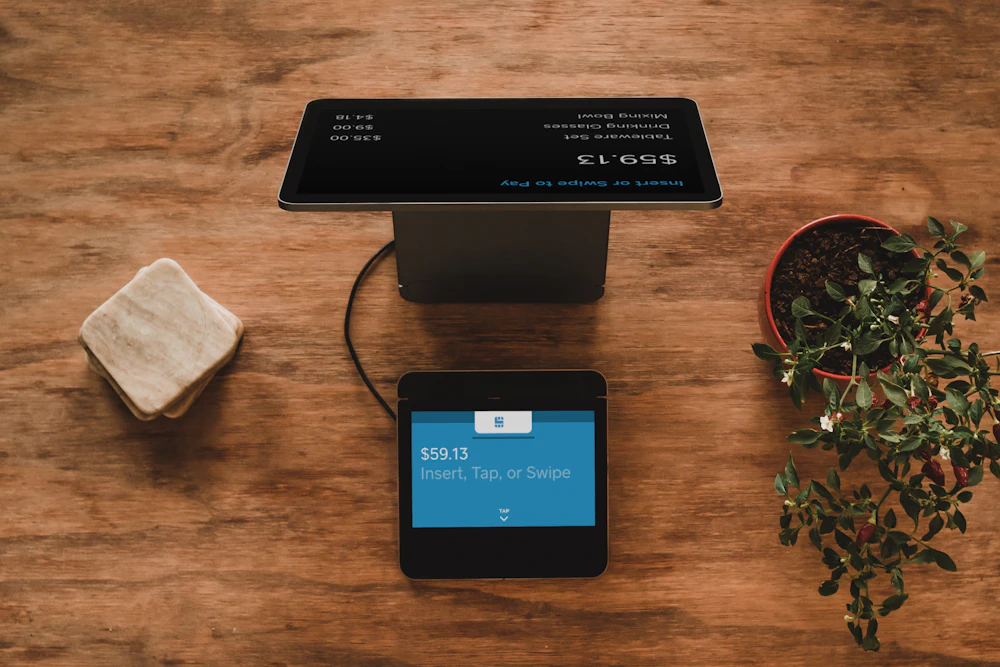
Quick answer: Seminole businesses need POS software, compatible hardware, item file setup, inventory workflows, payment review, training and support that fit how the business operates.
Local POS help for Seminole and Pinellas County
Choosing a POS system is easier when you have a local team that understands software, hardware, inventory, installation, training and support. BizTracker serves businesses throughout the Tampa Bay area, including Seminole and nearby Pinellas County communities.
We help businesses with POS software planning, hardware selection, item file setup, barcode scanning, label printing, inventory workflows, reporting, training and support.
BizTracker Infinity POS for Seminole businesses
BizTracker Infinity POS is built for businesses that need more than a simple checkout screen. It can support item management, inventory control, stock counts, purchase orders, reporting, barcode scanning, label printing and back-office review.
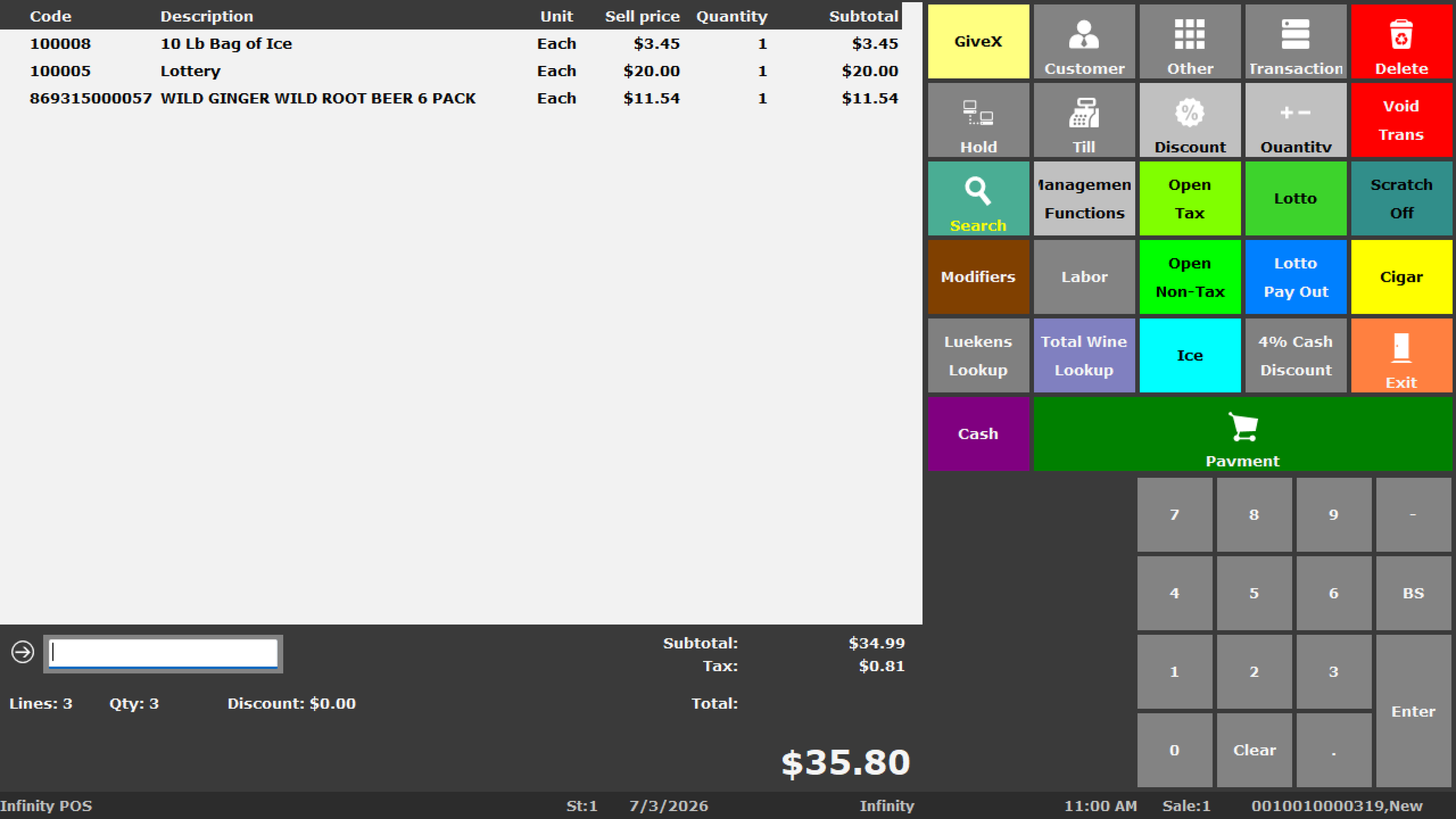
Infinity POS software with local setup support
Infinity POS gives business owners tools for checkout, item files, inventory, pricing, reporting and management review. BizTracker helps set up the software, match the hardware and train your team.
What BizTracker can help with
- Infinity POS software planning and setup
- POS terminals, receipt printers and cash drawers
- Barcode scanners and label printers
- Item file setup, UPCs, SKUs and departments
- Inventory workflows, stock counts and purchase orders
- Sales, inventory and management reporting
- Employee training before go-live
- Onsite and remote support depending on need
POS software and hardware should be planned together
A POS system should work as a complete operating stack. The software, item file, scanners, printers, cash drawers, payment devices, labels, reports and employee workflow all need to support each other.
POS software
Infinity POS supports sales, item records, inventory, purchasing, stock counts, reporting and back-office management when configured around your business.
POS hardware
BizTracker can help match terminals, receipt printers, scanners, cash drawers, label printers, scales and other hardware to your setup.
Training and support
Employees need to understand checkout, item lookup, scanning, receipts, labels and manager tasks. BizTracker can help with setup and training.
POS systems by business type
Seminole businesses do not all need the same POS setup. BizTracker helps configure Infinity POS software and matching hardware around each business type, inventory need, reporting goal and daily workflow.
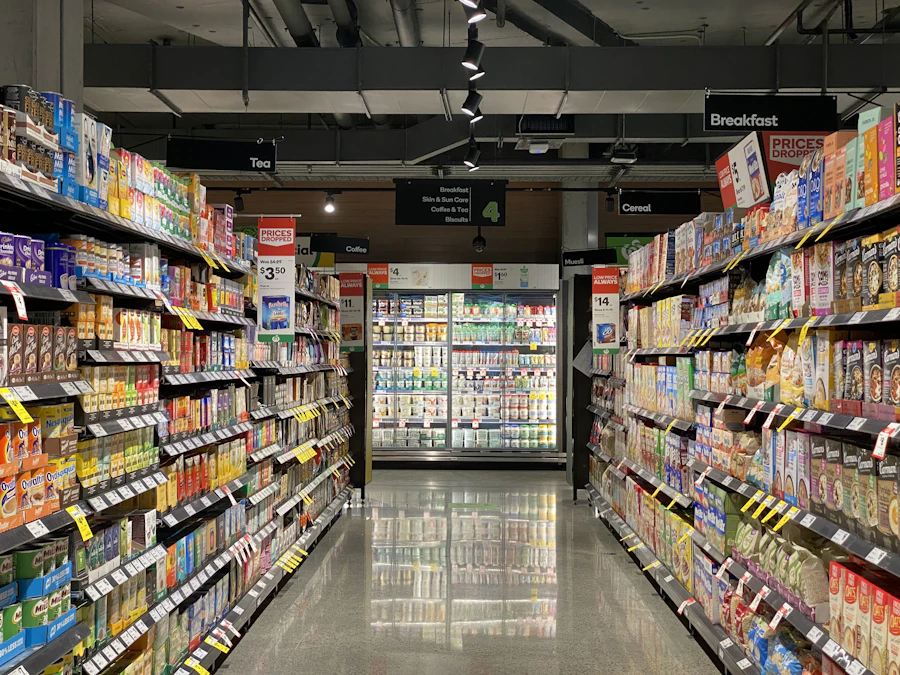
Retail stores
Retail stores need item files, barcode scanning, receipt printers, label printing, inventory tools, reporting and reliable front-counter hardware.

Liquor stores
Liquor stores may need fast scanning, age-restricted item setup, case-break workflows, inventory reports, price changes and label printing.

Grocery stores
Grocery stores may need departments, frequent price changes, scale-related workflows, vendor records, receiving, stock counts and inventory review.

Convenience stores
Convenience stores need fast checkout, barcode scanning, cash control, age-restricted item controls, accurate item reporting and dependable hardware.
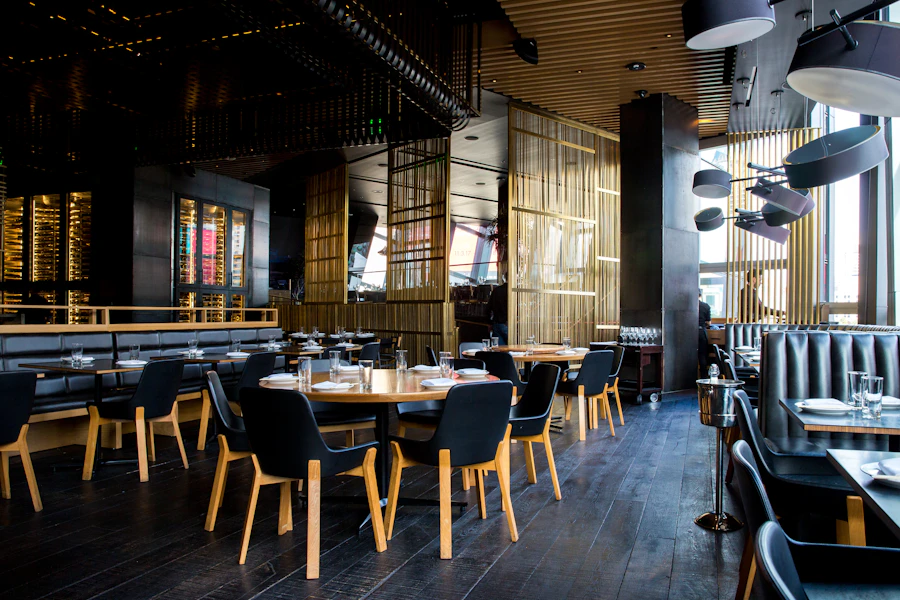
Restaurants and food service
Restaurants, cafes and bars may need menu setup, modifiers, employee permissions, receipt printers, kitchen or bar printers, and payment workflow support.
Multi-location businesses
Multi-location businesses need consistent item structure, reporting visibility, inventory processes, user controls, hardware standards and support.
Inventory-focused POS setup for Seminole businesses
Many Seminole businesses need better inventory tools, not just a faster checkout screen. BizTracker can help set up Infinity POS for product records, departments, barcode scanning, receiving, purchase orders, stock counts and inventory reporting.
When Seminole businesses should upgrade or replace POS
If your current POS system is slowing the business down, it may be time to review a better software and hardware setup. BizTracker can help compare your current workflow to what Infinity POS can support.
Common warning signs
- Reports are limited or hard to trust.
- Inventory counts do not match what is on the shelf.
- Barcode scanning is unreliable or incomplete.
- Product data is messy or duplicated.
- Hardware is old, slow or unsupported.
- Employees rely on workarounds every day.
- You do not have a clear support path.
What to plan before switching
- Item file review and cleanup
- Inventory workflow review
- Hardware compatibility and replacement needs
- Reporting goals
- Employee permissions and training
- Payment setup review
- Go-live and support planning
Our Seminole POS setup process
BizTracker helps businesses plan the POS system before go-live so the software, hardware, item file, reports and training are ready for daily operation.
Review your business workflow
We review checkout, inventory, reporting, item setup, payment flow, hardware needs and employee tasks.
Plan the Infinity POS setup
BizTracker helps plan item files, departments, inventory tools, reports, user permissions and business-specific configuration.
Match the hardware
POS terminals, scanners, printers, cash drawers, label printers, scales and other devices should be matched to the software and workflow.
Install, test and train
Before go-live, the system should be tested for checkout, scanning, receipts, labels, reports, cash drawer operation and employee use.
Support after go-live
BizTracker can help with questions, troubleshooting, additional training, item updates, hardware support and future changes depending on the business need.
Visit the showroom or ask about onsite support
BizTracker can help Seminole business owners review software, hardware, setup options and support needs. Depending on the project, support may be available onsite, remotely or through the showroom.
Serving Seminole and nearby areas
BizTracker helps businesses throughout Seminole and the surrounding Tampa Bay area, including nearby Pinellas County communities. Support availability depends on project scope, scheduling and business needs.
Seminole
POS software, hardware, installation, inventory setup, reporting, training and support for local businesses.
Pinellas County
POS help for retailers, liquor stores, convenience stores, grocery stores, restaurants and service-focused businesses.
Tampa Bay area
Local POS support with software and hardware experience for businesses that need practical setup and follow-up help.
Helpful related pages
Use these pages to learn more about BizTracker Infinity POS, local POS support, inventory workflows, hardware planning and setup services.
Frequently Asked Questions
Does BizTracker provide POS systems for Seminole businesses?
Yes. BizTracker helps Seminole and Tampa Bay area businesses with BizTracker Infinity POS software, matching hardware, item file setup, inventory workflows, reporting, training and support.
What types of businesses can use BizTracker Infinity POS?
Infinity POS can be a fit for retail stores, liquor stores, grocery stores, convenience stores, restaurants, cafes, bars and multi-location businesses depending on setup and requirements.
Can BizTracker help with POS hardware?
Yes. BizTracker can help review POS terminals, receipt printers, cash drawers, barcode scanners, label printers, scales, customer displays, payment devices and related hardware.
Can BizTracker help replace an old POS system?
Yes. BizTracker can help businesses review an old POS system, plan a replacement, prepare item data, match hardware, train employees and support the move to BizTracker Infinity POS.
Can BizTracker help with inventory setup?
Yes. BizTracker can help with item file setup, UPCs, SKUs, departments, inventory workflows, purchase orders, stock counts, barcode scanning, labels and reporting.
Is support available onsite?
Onsite support may be available depending on the project, schedule and business need. BizTracker can also provide remote support and showroom demos where appropriate.
Talk to BizTracker about a Seminole POS system
BizTracker helps Seminole businesses choose BizTracker Infinity POS software, matching POS hardware, inventory tools, barcode scanning, label printing, reporting, installation, training and support.