
BizTracker Infinity Liquor Store POS
Liquor Store POS Software for Bottles, Cases, Pricing and Inventory Control
Know what is in stock, how products are selling, what needs to be reordered and what happened during each cashier’s shift.
BizTracker Infinity connects fast barcode checkout with bottle, pack and case products, vendor purchasing, receiving, stock counts, labels, employee controls, cash management, reporting and multi-store operations.
- Bottle, pack and case products
- Fast barcode checkout
- Liquor purchasing and receiving
- Cashier and manager controls
- Inventory and margin reporting
- Single-store or multi-store use
Prefer to speak with someone? Call (877) 767-1249
The problems liquor owners need solved
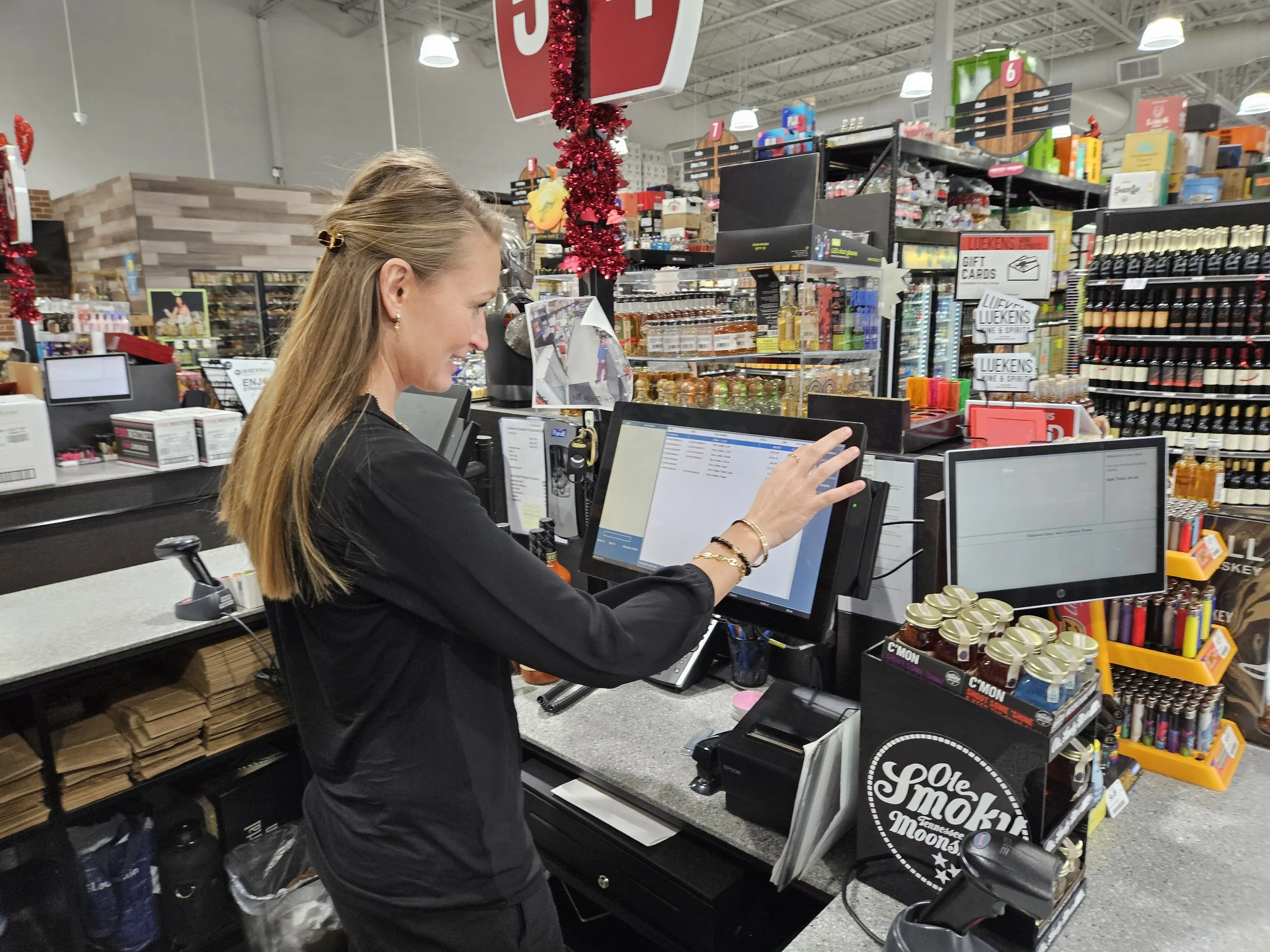
A Liquor POS Should Help You Control More Than Checkout
Liquor retailers replace POS systems because inventory cannot be trusted, product relationships are confusing, vendor costs change, employee activity is difficult to review or multiple stores are hard to manage.
Cases are purchased, but bottles and packs are sold separately.
Poorly configured units can create confusing quantities, incorrect costs and inventory records that do not reflect how products are actually bought and sold.
How Infinity helpsConfigure bottles, multipacks and cases with the appropriate barcodes, prices, costs, suppliers and inventory relationships.
Expensive bottles disappear or stock quantities cannot be trusted.
Receiving errors, transfers, breakage, incorrect adjustments and employee theft can all contribute to inventory discrepancies.
How Infinity helpsConnect receiving, sales, stock counts, transfers, adjustments and product movement to the same inventory records and reports.
Vendor cost increases are reducing margins unnoticed.
Liquor retailers may buy from several distributors with different costs, product references, case sizes and delivery schedules.
How Infinity helpsUse supplier records, purchase orders, receiving and cost review to identify changes that may require pricing or margin attention.
Discounts, refunds, voids and drawer shortages are hard to explain.
Owners need visibility into sensitive activity without standing behind every cashier throughout the day.
How Infinity helpsConfigure employee roles and review selected discounts, refunds, voids, price changes, drawers, settlements, overages and shortages.
Shelf prices, checkout prices and product costs fall out of sync.
Frequent distributor changes and large product files make pricing and shelf-label accuracy difficult to maintain manually.
How Infinity helpsMaintain product prices and costs, review controlled changes and print compatible shelf, barcode and price-change labels.
Each store operates like a separate business.
Multi-store owners need centralized visibility without rebuilding products, permissions and reporting at every location.
How Infinity helpsReview inventory by location, stock transfers, branch sales, selected pricing, permissions and consolidated reporting.
Built for liquor retail
Connect the Counter With Inventory, Vendors and Management
A liquor store sale depends on more than scanning a barcode. Product sizes, case quantities, supplier costs, retail prices, age-related procedures, employee access and inventory records all affect the transaction.
BizTracker Infinity is designed for inventory-heavy retailers that need these areas to work together instead of relying on separate spreadsheets and disconnected procedures.
- Manage UPCs, SKUs, descriptions, sizes and departments.
- Maintain bottle, pack and case product records.
- Track suppliers, costs, purchase orders and receiving.
- Perform full inventories and targeted cycle counts.
- Print compatible barcode, shelf and price-change labels.
- Review sales, margins, stock and employee activity.
Bottle, pack and case inventory
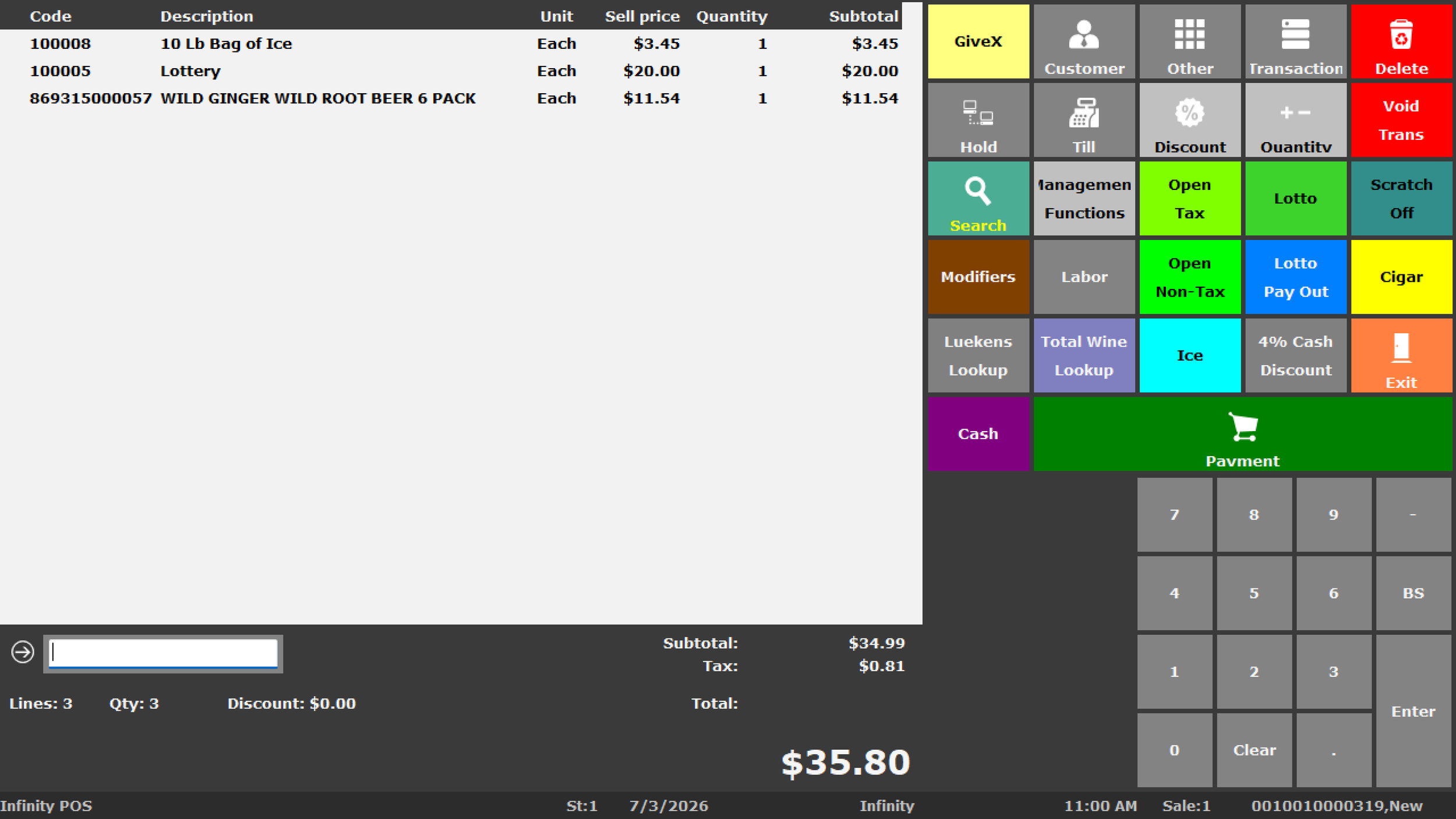
Test How the POS Handles Every Liquor Selling Unit
A liquor store may receive a case, sell a full case, sell multipacks and also sell individual bottles. Each selling unit must be configured carefully so checkout, inventory, purchasing and reporting remain understandable.
Individual Bottles
Maintain the correct barcode, description, bottle size, department, product cost, retail price, supplier and inventory behavior.
Multipacks
Configure six-packs, twelve-packs, gift packs and other packaged products with the appropriate pricing, codes and inventory relationship.
Full Cases
Support case purchasing, receiving and selling while keeping the connection to bottle or pack quantities clear and testable.
Connected liquor workflow
Follow a Product From the Distributor to the Management Report
Infinity can connect the major liquor-store workflows rather than treating purchasing, receiving, checkout, inventory and reporting as separate processes.
Liquor POS capabilities
Manage the Work Behind Every Liquor Store Sale
The exact functions available depend on the Infinity version, permissions, hardware, payment setup and store configuration.
Barcode Checkout
Scan bottles, packs, cases and other products, search the item file, process sales and complete supported returns.
Detailed Product Files
Manage UPCs, SKUs, descriptions, sizes, departments, costs, prices, suppliers, taxes and product settings.
Explore Infinity inventory →Bottle, Pack and Case Products
Configure separately sold units with appropriate barcodes, pricing, costs and inventory relationships.
Purchase Orders
Prepare supplier orders, review cases, quantities and costs, and track products that remain outstanding.
Explore purchase orders →Receiving
Receive deliveries, verify products and quantities, review cost changes and investigate shortages, damages or substitutions.
Review purchasing and receiving →Physical Inventory
Perform full inventories, department counts, cycle counts and controlled stock adjustments.
Explore stock takes →Barcode and Shelf Labels
Print compatible shelf, barcode, receiving and price-change labels using configured templates and product data.
Explore label printing →Cash Management
Support drawers, users, starting cash, transfers, balancing, banking, settlement review and cashier accountability.
Explore cash management →Liquor Store Reporting
Review sales, departments, margins, suppliers, inventory, cashiers, transactions and store performance.
Explore retail reporting →Inventory foundation
Liquor Inventory Starts With a Clean Item File
Product data affects checkout, shelf labels, receiving, ordering, stock counts, gross profit, taxes and management reports.
Simply converting an old database can also convert duplicate UPCs, outdated prices, incorrect costs, missing suppliers and confusing bottle, pack or case records.
- UPCs, SKUs and internal product codes
- Descriptions, bottle sizes and departments
- Bottle, pack and case relationships
- Retail prices and product costs
- Primary and alternate suppliers
- Case sizes and ordering units
- Tax and age-related settings
- Minimum and maximum stock levels
- Store-specific product information
Purchasing and receiving
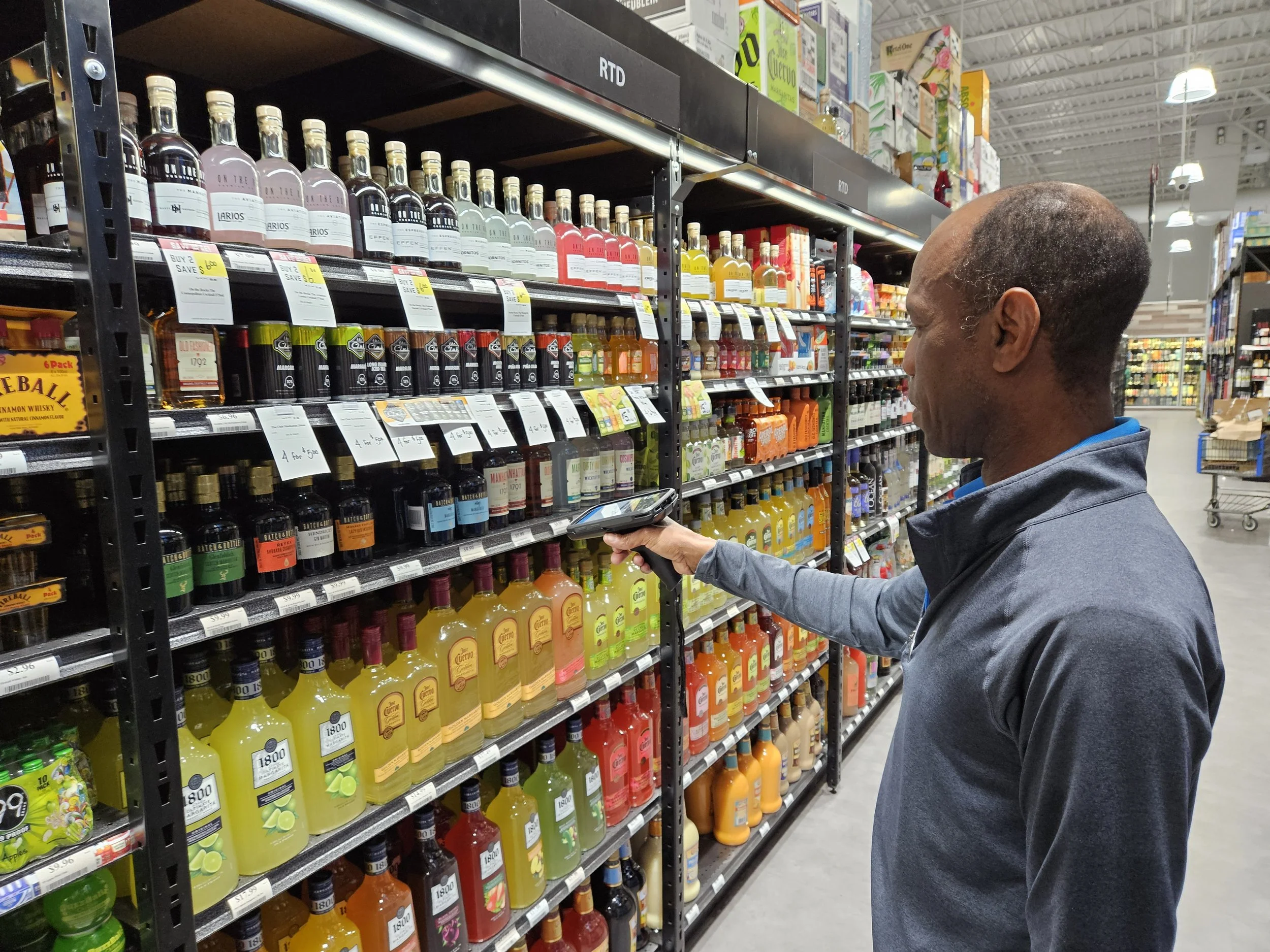
Connect Liquor Vendors, Orders, Deliveries and Cost Changes
Liquor stores may purchase from several distributors with different product references, case quantities, costs, delivery schedules and ordering requirements.
Maintain Suppliers
Store supplier names, product references, case sizes, costs and purchasing information.
Review Stock
Examine current inventory, sales movement, stock levels and products that are already on order.
Create Orders
Prepare purchase orders with suppliers, quantities, cases, costs and expected delivery information.
Receive Deliveries
Verify products, quantities, substitutions, shortages, damages and vendor references.
Review Costs
Identify supplier cost changes that may affect gross profit and retail pricing.
Update Inventory
Post accepted receiving information and review products that remain outstanding or require correction.
Age-related procedures
Support Store Procedures for Age-Restricted Products
POS prompts and permissions can support an approved checkout procedure, but employees must still follow applicable laws, company policies and identification-check requirements.
Cashier Prompts
Configure selected reminders or prompts based on the product and the retailer’s approved procedures.
Employee Permissions
Use roles and manager controls for selected voids, returns, discounts, price changes and other sensitive functions.
Refused-Sale Procedures
Train employees on identification checks, refused transactions, escalation and documentation procedures.
Manager Oversight
Define which activities require manager review, approval or follow-up reporting.
Pricing and labels
Manage Cost Changes, Retail Prices and Shelf Labels
Distributor cost changes, promotions, product sizes and competitive conditions can require frequent liquor-store pricing updates.
- Maintain bottle, pack and case prices.
- Review supplier costs and margin impact.
- Use controlled price-change procedures.
- Print compatible barcode and shelf labels.
- Identify products using clear descriptions and sizes.
- Verify that shelf and checkout pricing agree.
Questions to review during a pricing demonstration
- How are bottle, pack and case prices maintained?
- How are cost changes identified during receiving?
- Which employees can change prices?
- How are temporary promotions configured?
- Which label printers and label sizes are supported?
- How are price-change labels selected and printed?
Employee and cash controls
Protect Sensitive Transactions and Cash Activity
Liquor stores should control who can issue discounts, change prices, process refunds, void transactions, open drawers, perform payouts and adjust inventory.
Employee Sign-In
Identify the employee responsible for selected transactions and system functions.
Manager Permissions
Restrict selected voids, refunds, discounts, price changes and administrative activities.
Drawer Accountability
Support starting cash, transfers, balancing, banking, overages and shortages.
Exception Review
Investigate selected transaction, employee, inventory and cash activity requiring management attention.
Liquor store reporting
Review Sales, Inventory, Margins and Store Performance
Reports are most useful when product records, costs, receiving, departments and stock counts are maintained consistently.
| Reporting area | Questions liquor-store management can investigate |
|---|---|
| Sales | Which bottles, packs, cases, departments, employees, stations, days and locations are producing sales? |
| Gross profit | How are product costs, selling prices, supplier changes and department performance affecting margins? |
| Inventory | What is on hand, what is moving, what has not sold and where do count variances exist? |
| Purchasing | What was ordered, what was received, what changed in cost and which products remain outstanding? |
| Employees and cash | Which users, drawers, stations, discounts, refunds, payments, overages and shortages require review? |
| Multi-store operations | How do sales, inventory, margins, transfers and departments compare across locations? |
Recorded Infinity demonstration
See BizTracker Infinity at Checkout
Watch the recorded Infinity overview, then schedule a personalized liquor-store demonstration focused on your products, distributors, inventory, labels, cashier controls and reporting requirements.
- Employee sign-in
- Item and barcode entry
- Product lookup
- Quantity changes
- Cash and payment tendering
- Voids and refunds
- Transaction controls
- Checkout workflow
Liquor POS hardware and support
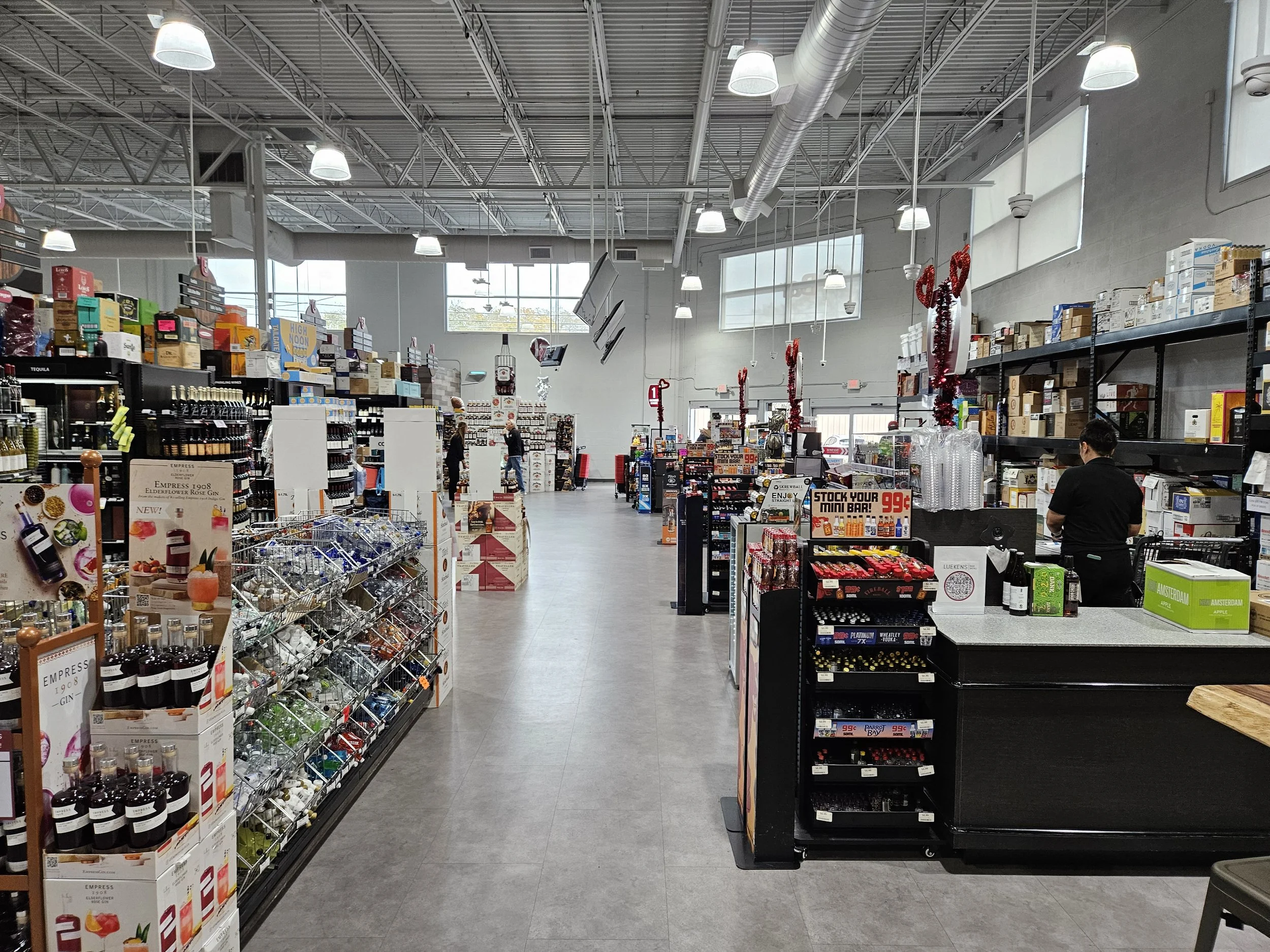
Plan the Complete Liquor Store Checkout Environment
POS performance depends on software, hardware, payment devices, networking, data preparation, backup planning and employee training.
- POS terminals and checkout workstations
- Barcode scanners
- Receipt printers
- Cash drawers
- Customer displays
- Label printers
- Payment devices
- Networking and power protection
- Backup and failover planning
- Employee and manager training
Need help choosing compatible liquor-store POS hardware?
Open the BizTracker live chat or contact a BizTracker specialist before purchasing scanners, printers, displays or payment equipment.
Multi-store liquor operations
Manage Liquor Inventory and Reporting Across Locations
Multi-store liquor operators need location-level control without rebuilding product information and management procedures separately at every store.
- Centralized product information
- Inventory by location
- Branch and consolidated reporting
- Store-level pricing where configured
- Stock transfers
- Central or local purchasing workflows
- Employee roles and permissions
- Consistent department structures
- Store performance comparisons
Replacing an older liquor POS
Plan the Transition Before the Existing System Is Removed
Replacing a liquor POS can affect thousands of products, bottle-pack- case relationships, prices, suppliers, labels, payment procedures, reports and employee workflows.
Review the Current System
Document checkout stations, product counts, departments, suppliers, payments, labels, reports and known problems.
Review Available Data
Examine product, supplier, customer, department, price, cost, tax and inventory information available for conversion.
Clean the Item File
Correct duplicate UPCs, discontinued products, inconsistent descriptions, missing suppliers and inaccurate prices or costs.
Configure and Test
Test checkout, scanners, receipts, payments, labels, receiving, counts, product units and reporting.
Train Employees
Train cashiers, managers, inventory employees, receivers and buyers on the workflows they will use.
Launch With Support
Use a planned go-live process with support for corrections, questions, follow-up training and operational review.
Frequently asked questions
Liquor Store POS Questions
Exact capabilities depend on the software version, hardware, payment processor, configuration, permissions and project scope.
What is liquor store POS software?
Liquor store POS software helps manage checkout, barcode scanning, bottles, packs, cases, suppliers, inventory, purchasing, receiving, labels, employees, cash activity and reporting.
How is liquor POS different from a basic cash register?
A basic cash register primarily records sales. A complete liquor POS can connect checkout with product records, inventory, suppliers, purchasing, receiving, stock counts, labels, employee controls and management reporting.
Can Infinity manage bottles, packs and cases?
Infinity can support separately configured bottle, pack and case products with their own barcodes, prices, costs and inventory relationships. The exact workflow should be tested before launch.
Can Infinity manage liquor store inventory?
Infinity can manage product records, UPCs, departments, suppliers, costs, prices, stock on hand, purchase orders, receiving, stock takes, transfers, labels and inventory reporting.
Can Infinity print shelf and barcode labels?
Infinity can support shelf, barcode, receiving and price-change labels using compatible printers, label stock, templates and configured product data.
Does Infinity support liquor purchase orders and receiving?
Infinity can support supplier records, product references, case sizes, purchase orders, expected deliveries, receiving, cost review, stock on order and inventory updates.
Can Infinity provide age-verification prompts?
Infinity can support selected prompts, permissions and manager controls based on configuration. These tools do not replace employee training, identification checks or legal compliance.
Can Infinity help review employee activity?
Infinity can support employee permissions and reporting for selected discounts, refunds, voids, price changes, drawers, payments, settlements and inventory adjustments.
Can Infinity manage multiple liquor store locations?
Infinity can support inventory by location, stock transfers, centralized products, branch pricing, purchasing, permissions and consolidated reporting depending on the configured system.
Can existing liquor product data be converted?
Data conversion may be possible depending on the existing system, export format, data quality, available fields, product records, departments, suppliers, customers and project scope.
Can existing scanners and printers be reused?
Some equipment may be reusable, but compatibility must be checked by exact manufacturer, model, interface, firmware, driver, operating system, software version, condition and support status.
Does BizTracker support liquor stores outside Tampa Bay?
BizTracker supports customers nationwide with remote assistance, setup guidance, training, hardware planning and support preparation. Tampa Bay businesses may also ask about showroom demonstrations and onsite service where available.
Can we see an Infinity liquor POS demonstration?
Yes. Watch the recorded Infinity demonstration on this page and schedule a personalized meeting to review checkout, bottle-pack- case products, inventory, purchasing, labels, reporting, payments, hardware and multi-store requirements.
Review your liquor POS requirements
See Whether BizTracker Infinity Fits Your Liquor Store
Tell us about your locations, checkout stations, product count, bottles, packs, cases, distributors, labels, inventory problems, employee controls, reporting needs and implementation schedule.
Call (877) 767-1249 or use the live chat for a quick compatibility or project question.