
BizTracker Infinity Retail POS
Control Inventory, Employees and Profitability From One Retail POS System
Stop wondering what is really in stock, what needs to be reordered, which products are hurting your margins and what happened during a cashier’s shift.
BizTracker Infinity connects checkout with inventory, purchasing, receiving, stock counts, labels, cash management, customer records, reporting and multi-store operations.
- Detailed inventory control
- Purchasing and receiving
- Cashier accountability
- Sales and margin reporting
- Barcode and shelf labels
- Single or multi-store use
Prefer to speak with someone? Call (877) 767-1249
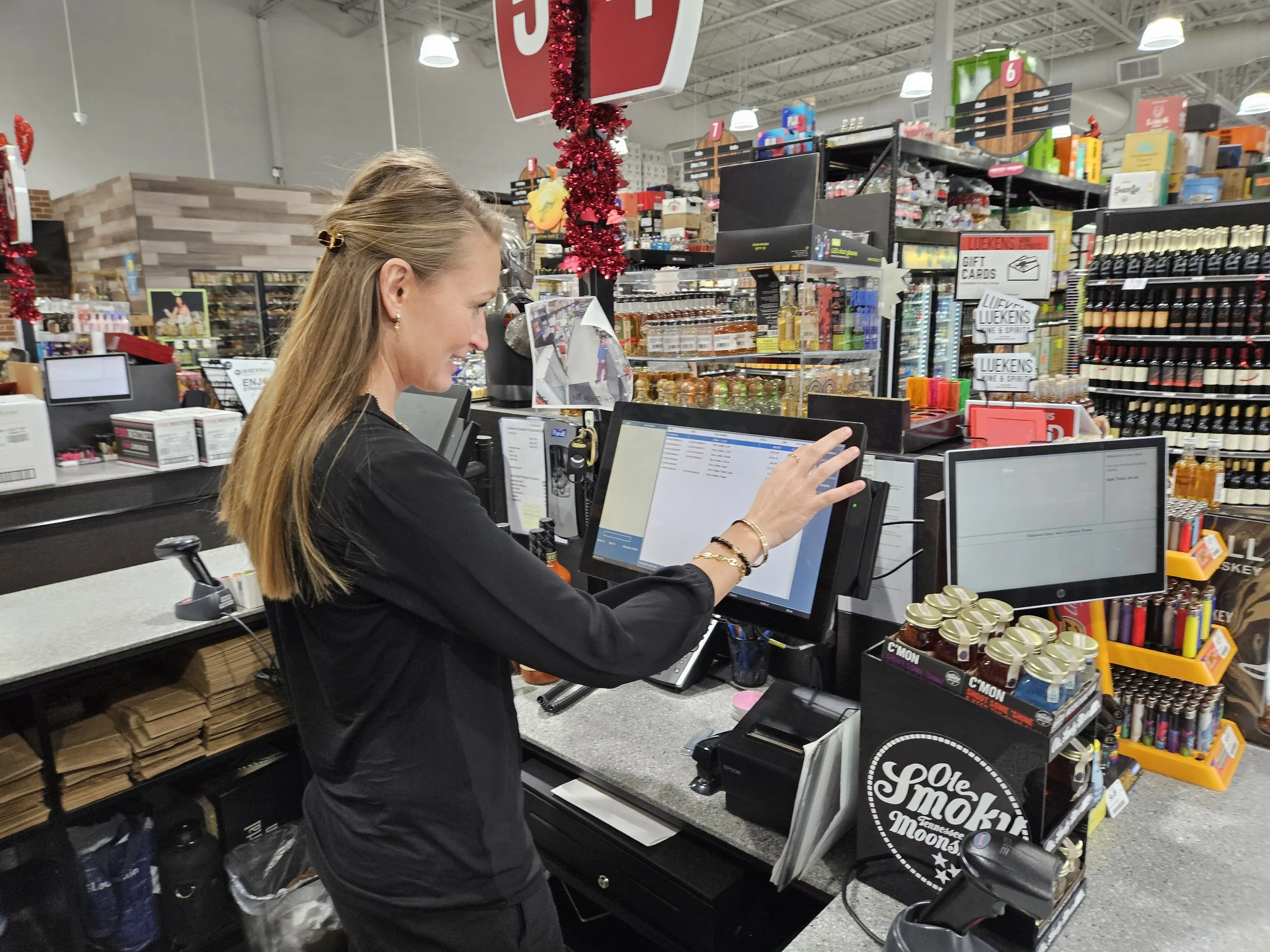
The problems owners need solved
A POS System Should Give You Answers, Not More Questions
Store owners rarely replace a POS because they want a different checkout screen. They replace it because the current system is not giving them enough control over inventory, employees, purchasing, reporting or growth.
The system says an item is available, but no one can find it.
Inconsistent receiving, stock adjustments, transfers and counting procedures can make inventory quantities difficult to trust.
How Infinity helpsConnect product records, receiving, sales, transfers, physical inventories, cycle counts and adjustment history around the same inventory records.
Discounts, refunds, voids and cash shortages are hard to explain.
Owners need more visibility into employee activity without standing behind every cashier.
How Infinity helpsConfigure employee permissions and review cashier, drawer, payment, discount, void, refund, transfer, settlement and balancing activity.
Vendor costs change faster than selling prices.
Poor receiving controls can allow cost increases, shortages or incorrect quantities to damage margins.
How Infinity helpsUse supplier records, purchase orders, expected deliveries, pack information, receiving activity and cost review to create a more controlled purchasing process.
Reports contain numbers but do not provide useful answers.
Owners need to know what is selling, what is sitting, where margins are changing and how stores or departments compare.
How Infinity helpsReview sales, product movement, inventory value, gross profit, purchasing, cash activity, employees, departments and locations.
Employees rely on spreadsheets and disconnected procedures.
Separate tools for purchasing, labels, inventory and reporting create duplicate work and inconsistent information.
How Infinity helpsConnect checkout, product setup, suppliers, purchase orders, receiving, labels, stock counts and management reporting.
Managing another location creates another set of problems.
Owners need consolidated visibility without calling each store for inventory, sales and transfer information.
How Infinity helpsReview branch inventory, transfers, store settings, permissions, centralized product information and consolidated reporting.
More than a payment screen
Built Around the Work That Happens Before and After Every Sale
Checkout is only one part of a retail operation. Every sale depends on product information, costs, prices, suppliers, inventory, employee access, payments and reporting.
BizTracker Infinity is retail POS and inventory-management software for businesses that need these areas to work together.
- Manage UPCs, SKUs, descriptions and departments.
- Track product costs, prices, suppliers and pack information.
- Create purchase orders and receive vendor deliveries.
- Perform stock counts and investigate inventory variances.
- Print barcode, shelf, receiving and price-change labels.
- Review sales, margins, cash and employee activity.
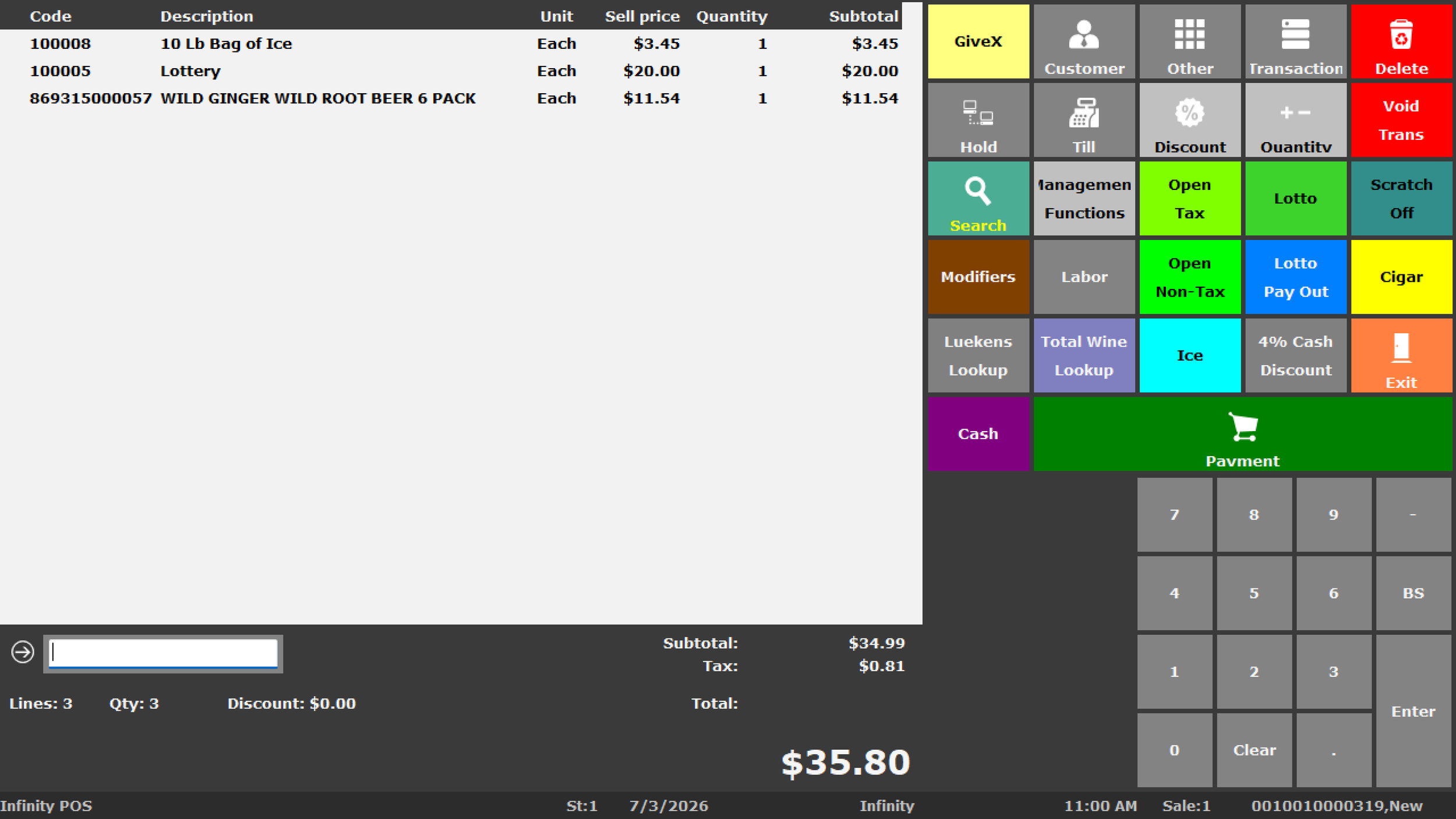
Infinity POS capabilities
Connect the Major Parts of Your Retail Operation
Infinity is designed for stores that need detailed product records, inventory, purchasing and reporting to work with the checkout process.
Checkout and Scanning
Scan products, search item records, process sales and returns, suspend transactions and support front-counter workflows.
Inventory and Item Files
Manage UPCs, SKUs, departments, suppliers, costs, prices, taxes, stock settings, prompts and restrictions.
Purchase Orders
Prepare supplier orders, review quantities, pack sizes and costs, and track products that remain on order.
Receiving
Receive vendor deliveries, verify quantities and costs, update stock and review shortages or substitutions.
Stock Takes
Perform full inventories, department counts, cycle counts, variance reviews and controlled adjustments.
Barcode and Shelf Labels
Print barcode, shelf, receiving and price-change labels with compatible printers, media and templates.
Retail Reporting
Review sales, inventory value, product movement, margins, purchasing, employees and store performance.
Cash Management
Support drawers, users, starting cash, transfers, blind balancing, banking, settlements and accountability.
Customer Records
Support customer information and selected account, deposit, order, pricing and transaction-history workflows.
Employee Controls
Configure selected permissions, manager controls, prompts and operational procedures.
eWIC Workflows
Review eWIC processing through CDP where approved and properly configured for the retailer and program.
Multi-Store Operations
Review branch inventory, transfers, location settings, permissions and consolidated reporting.
Connected retail workflow
Follow the Product From the Supplier to the Management Report
Infinity can connect major retail workflows instead of treating purchasing, checkout, inventory and reporting as unrelated systems.
Inventory accuracy
Inventory Control Starts With Clean Product Information
The item file affects checkout, labels, purchasing, receiving, stock counts, taxes, reports and multi-store operations.
Simply transferring an old database can also transfer duplicate products, outdated prices, incorrect costs, missing suppliers and inconsistent descriptions. A POS implementation should review the existing data before launch.
- Product codes, UPCs and internal SKUs
- Descriptions, departments and product classes
- Costs, prices and margin information
- Primary and alternate suppliers
- Pack sizes and ordering units
- Minimum and maximum stock settings
- Tax, prompt and restriction settings
- Branch-level product and inventory information
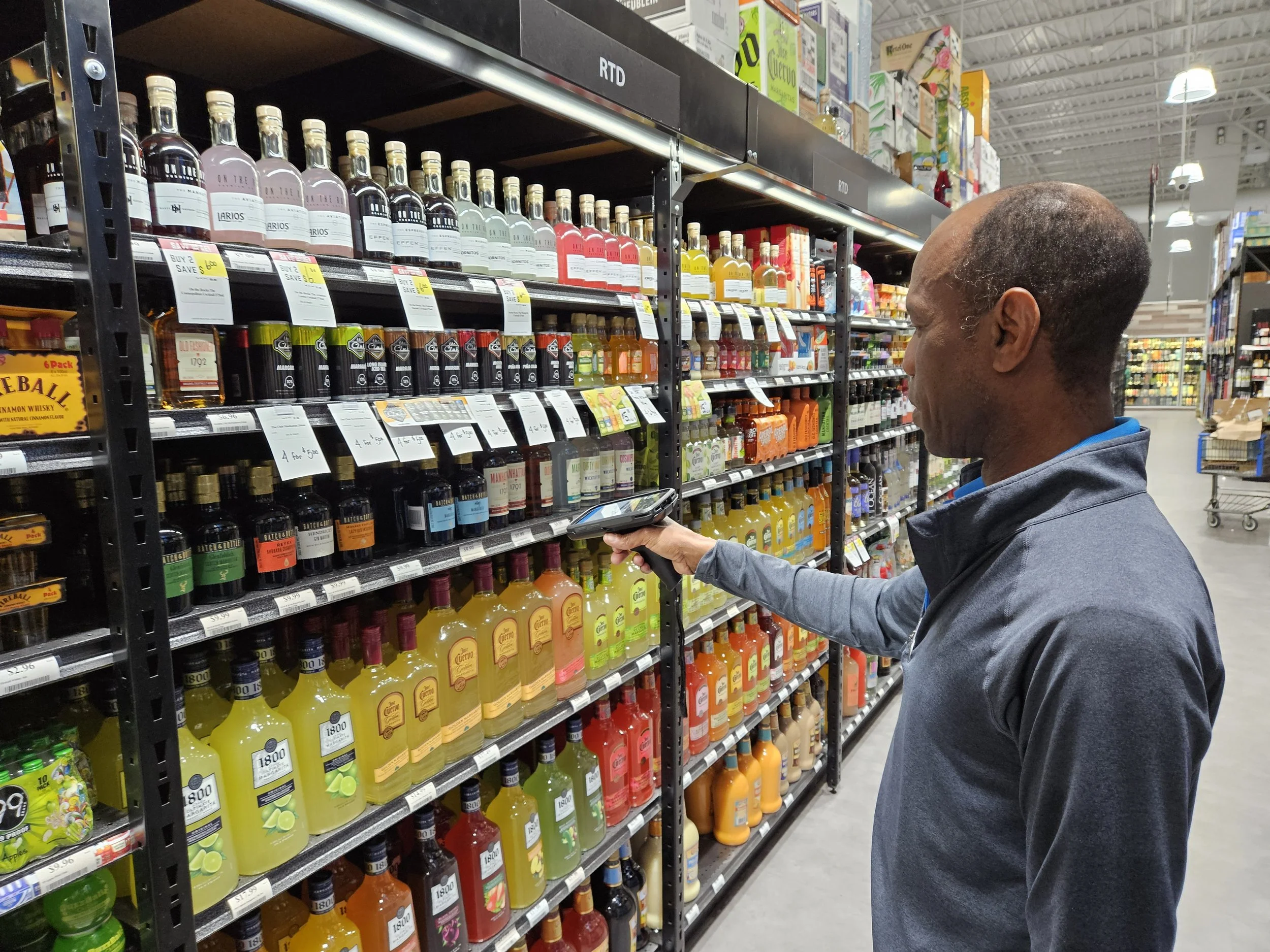
Retail reporting
Turn Daily Store Activity Into Useful Management Information
Owners need more than totals. They need to understand what sold, what moved, what changed, which products are profitable and where problems may require attention.
| Reporting area | Questions management can investigate |
|---|---|
| Sales reporting | Which products, departments, employees, stations, days and locations are producing sales? |
| Gross profit | How are product costs, selling prices and cost changes affecting margins? |
| Inventory reporting | What is on hand, what has not sold, what is moving quickly and where do count variances exist? |
| Purchasing | What was ordered, what was received, what did it cost and which products remain on order? |
| Cash activity | Which users, drawers, stations, payments, transfers, overages and shortages require review? |
| Multi-store reporting | How do sales, inventory, margins, departments and transfers compare across locations? |
Recorded Infinity demonstration
See Infinity in Action Before Scheduling a Personal Demo
Watch the recorded overview to become familiar with Infinity, then schedule a demonstration focused on your store, products, locations and current POS problems.
A personalized demonstration can focus on the workflows that matter most to your business, including:
- Checkout and product lookup
- Inventory and item-file structure
- Purchase orders and receiving
- Stock counts and variance review
- Labels and barcode workflows
- Cashier controls and reporting
- Multi-store requirements
Infinity by store type
Different Retailers Need Different POS Workflows
The right demonstration and configuration should reflect how the store purchases, receives, sells, counts and reports its products.
Liquor Stores
Review bottle, pack and case products, vendor purchasing, quantity pricing, age-related procedures, stock counts, cash controls and margin reporting.
Explore liquor store POS →Grocery Stores
Review barcode checkout, large product files, labels, weighted items, scales where applicable, purchasing, stock counts, reporting and approved benefit workflows.
Explore grocery store POS →Convenience Stores
Review fast checkout, restricted-product procedures, promotions, receiving, cashier controls, reporting and multi-location operations.
Explore convenience store POS →Specialty Retailers
Review detailed products, customer records, barcode labels, purchase orders, inventory, special orders, deposits and reporting.
Explore specialty retail POS →Wine and Bottle Shops
Review detailed product information, bottle and case inventory, vendor purchasing, labels, customer history and sales reporting.
Explore wine shop POS →Multi-Store Retailers
Review branch inventory, transfers, centralized products, location-specific settings, permissions and consolidated reporting.
Explore multi-store POS →Hardware, setup and support
POS Software Is Only Part of a Dependable Store System
A complete POS installation may include terminals, scanners, printers, drawers, displays, payment devices, scales, networking, backups, product data and employee training.
BizTracker helps plan the complete project rather than treating the software as an isolated purchase.
- POS terminals and workstations
- Barcode scanners
- Receipt and label printers
- Cash drawers and customer displays
- Payment-terminal planning
- Scales where applicable
- Networking and power protection
- Data preparation and conversion review
- Employee and manager training
- Remote and onsite support where available
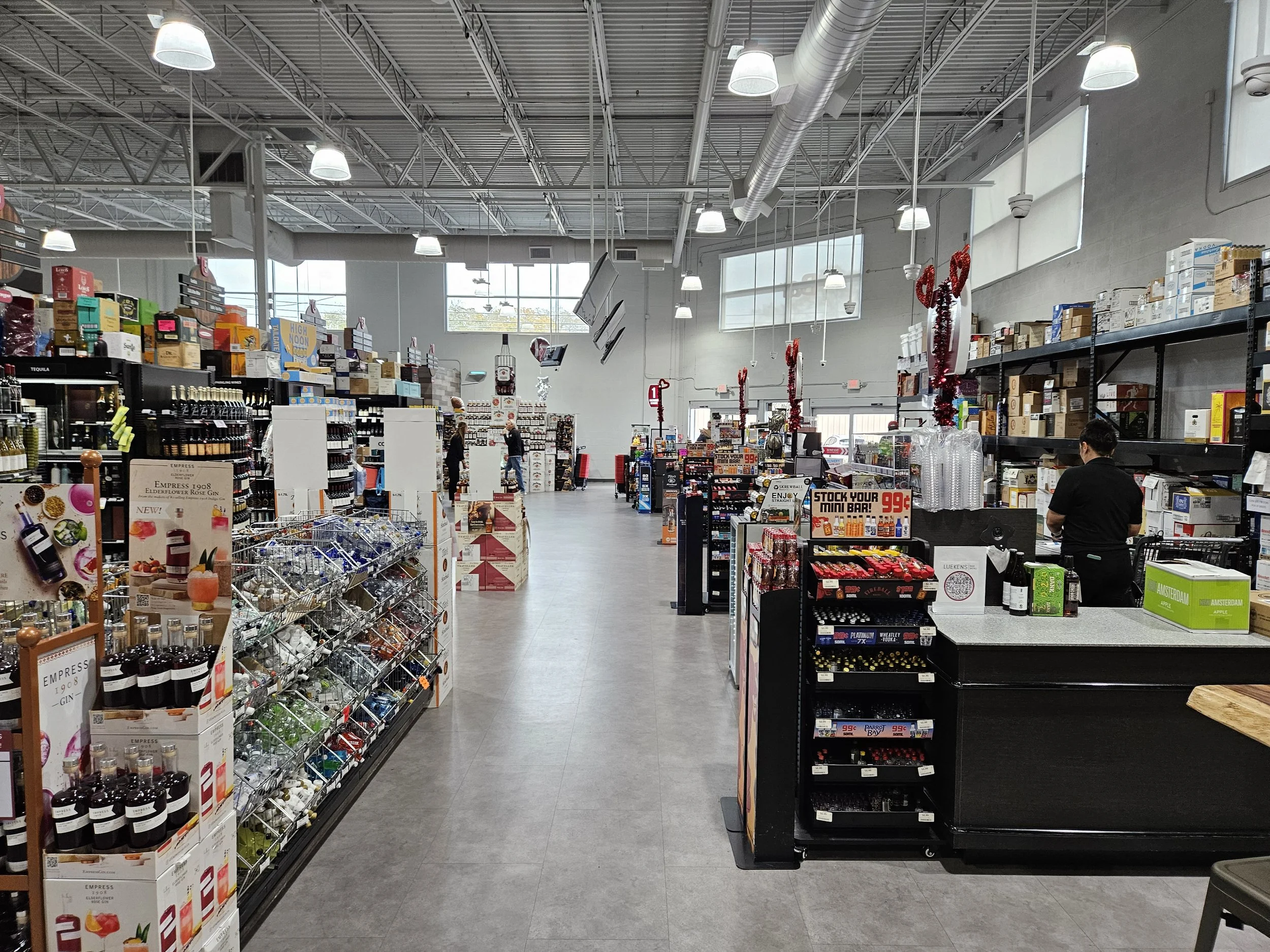
Have a compatibility question?
Open the BizTracker live chat or contact our team with the manufacturer, model, connection type and current POS information.
Replacing an older POS
Plan the Move Before the Current System Is Removed
Changing POS systems can affect products, inventory, suppliers, taxes, labels, payments, hardware, reports and employee procedures.
Review the Current System
Identify what works, what creates problems and which workflows must be preserved or improved.
Evaluate the Data
Review available products, suppliers, customers, costs, prices, departments and export formats.
Confirm Compatibility
Identify which scanners, printers, drawers, payment devices, scales and other equipment can be supported.
Test Store Workflows
Test checkout, receipts, payments, labels, receiving, inventory counts, permissions and reports.
Train the Right People
Separate cashier, inventory, purchasing and management training according to employee responsibilities.
Plan Go-Live and Support
Prepare backups, launch procedures, support contacts, follow-up training and hardware contingencies.
Information to gather before your Infinity demo
Be prepared to discuss your store type, number of locations, checkout stations, approximate product count, current POS, existing hardware, payment setup, inventory procedures, labels, reporting needs and desired implementation schedule.
What to expect
A Practical Path From Evaluation to Go-Live
Requirements Review
Discuss locations, stations, checkout, inventory, purchasing, payments, hardware, labels, reports and support expectations.
Data Review
Evaluate products, suppliers, customers, departments, costs, prices, taxes and available conversion files.
Configuration
Prepare Infinity, hardware, users, permissions, inventory, purchasing, labels and selected reports.
Workflow Testing
Test scanning, receipts, payments, labels, receiving, counts, employee access and management procedures.
Training
Review the appropriate cashier, inventory, receiving, purchasing, reporting and management procedures.
Launch and Support
Go live with a plan for questions, adjustments, additional training, hardware support and operational review.
Questions and objections
BizTracker Infinity POS Questions
Exact availability depends on the software version, hardware, payment processor, agency approval, configuration, permissions and project requirements.
What is BizTracker Infinity POS?
BizTracker Infinity is retail POS and inventory-management software for businesses that need detailed product records, checkout, purchase orders, receiving, stock counts, labels, customer records, cash management, reporting and multi-store workflows.
What types of stores can use Infinity?
Infinity may be a strong fit for liquor stores, grocery stores, convenience stores, specialty retailers, local markets, approved WIC retailers and multi-location retail businesses.
Is Infinity more than a basic checkout system?
Yes. Infinity is intended for businesses that need checkout to work with detailed inventory, supplier purchasing, receiving, stock counts, labels, employee controls, cash management and reporting.
Can Infinity help us manage inventory?
Infinity can manage product records, UPCs, SKUs, departments, costs, prices, suppliers, stock on hand, purchase orders, receiving, stock takes, transfers, labels and inventory reporting depending on the configured system.
Does Infinity support purchase orders and receiving?
Infinity can support supplier records, product numbers, pack sizes, purchase orders, expected deliveries, receiving, cost review, stock on order and inventory updates.
Can Infinity help control employee activity?
Infinity can support employee permissions and reporting for selected cashier, drawer, discount, void, refund, payment, transfer, settlement and balancing activities. The exact controls depend on configuration and procedures.
Can Infinity support multiple store locations?
Infinity can support branch inventory, transfers, centralized product information, store-specific settings, permissions, purchasing and consolidated reporting depending on configuration.
Can Infinity support barcode scanning and labels?
Infinity can support manufacturer UPCs, alternate scan codes, store-created barcodes, shelf labels, price-change labels, receiving labels and stock-count workflows using compatible hardware, media and templates.
Can existing product data be converted?
Data conversion may be possible depending on the current system, available export format, data quality, product fields, suppliers, customers, departments and project scope. The source data should be reviewed before a conversion is promised.
Can existing POS hardware be reused?
Some equipment may be reusable, but compatibility must be checked by exact manufacturer, model, interface, firmware, operating system, driver, software version, payment processor, condition and support status.
Does Infinity support eWIC?
BizTracker Infinity can support eWIC workflows through CDP for many approved agencies and programs. Certification, retailer approval, hardware, processing and configuration requirements vary by program and location.
Does BizTracker serve customers outside Tampa Bay?
BizTracker works with customers nationwide using remote assistance, setup guidance, training, hardware planning and support preparation. Tampa Bay businesses may also ask about showroom demonstrations and onsite service where available.
What happens if our internet or POS hardware fails?
Failure planning depends on the software, payment setup, network, hardware and store requirements. BizTracker can help review networking, backup procedures, power protection and available failover options as part of the project.
Can we see an Infinity demonstration?
Yes. Watch the recorded demonstration on this page, then schedule a personalized meeting to review your store, products, checkout, inventory, purchasing, labels, reporting, payments, hardware and multi-store requirements.
Review your POS requirements
See Whether BizTracker Infinity Is the Right Fit for Your Store
Tell us what your current system cannot do. Your demonstration can focus on the inventory, purchasing, employee, reporting, hardware and multi-store workflows that matter to your business.
Call (877) 767-1249 or use the live chat for a quick compatibility or project question.